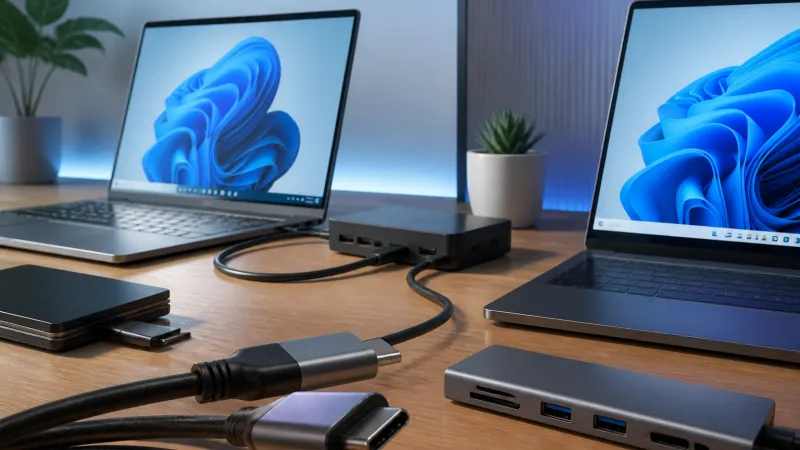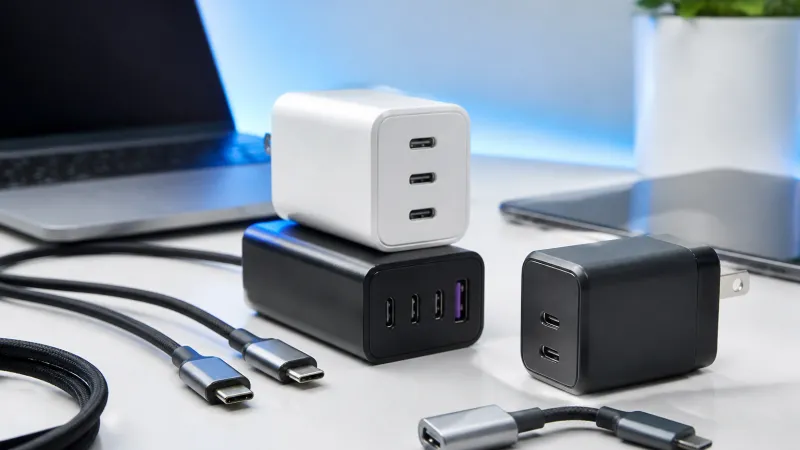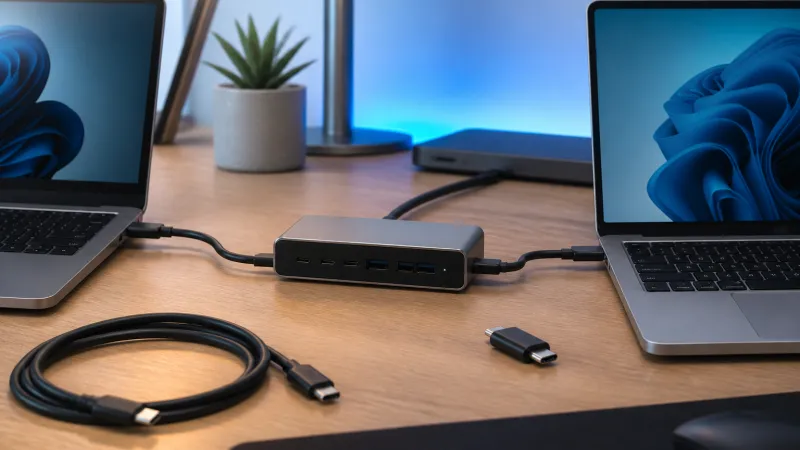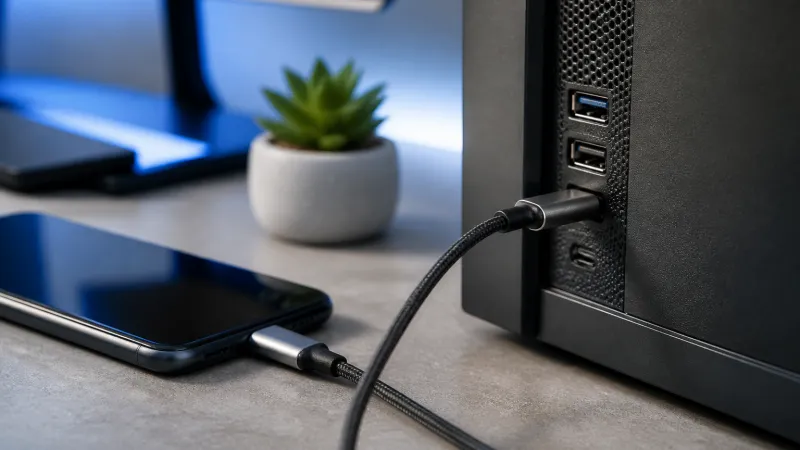
Many PCs have USB ports that can charge phones or other devices even after the computer is turned off. However, this feature is not always enabled by default and may be labeled differently depending on the manufacturer, such as "Always On" by Lenovo or "PowerShare" by Dell.
To use this function, users should check their PC or motherboard manual for details and test by plugging in a device before shutting down. If charging stops, the feature is likely disabled.
Enabling USB Charging After Shutdown
On most Windows PCs, this feature can be activated in the BIOS or UEFI settings under sections like Advanced, Power, or Chipset. Users should look for options related to USB power delivery or Always On charging and enable them. Energy-saving settings such as ErP or Deep Sleep may need to be disabled to allow USB power during shutdown.
Laptops may have additional limitations due to battery reserve settings, which can stop USB charging when the battery is low.
Fonte: Engadget, Your PC's USB port can charge your phone, even when it's turned off — Here's how