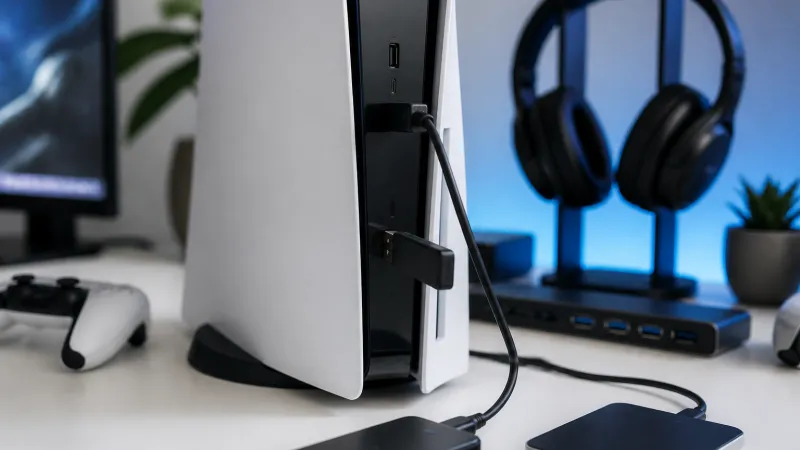
The USB ports on the PlayStation 5 offer more than just controller charging. They can connect accessories like cameras and gaming headsets, as well as external storage devices for backing up data.
All PS5 models have two USB-A 10 Gbps ports at the rear. The front ports differ: the original PS5 has a USB-A 2.0 and a USB-C 10 Gbps port, while PS5 Slim and Pro models replace the front USB-A 2.0 with USB-C. For fast external storage, avoid the slower USB 2.0 port.
External drives can expand your PS5 storage, but PS5 games can only be played from internal or approved M.2 SSDs. You can move PS5 games to external drives for archival and play PS4 games directly from them. Drives must support at least USB 3.0 speeds and be between 250GB and 8TB. Only one external drive can be used at a time, and USB hubs are not supported.
Additional Uses
Besides storage, USB drives can store screenshots and video clips, but they require different formatting than game storage. Charging controllers remains a common use, either during play or to avoid input latency.
Source: Engadget, 6+ ways you can use your PlayStation 5's USB ports