
8 min read
How USB-C Charging Works: Power Delivery, PPS and EPR Explained
A clear explanation of USB-C charging: Power Delivery negotiation, PPS, Extended Power Range, cable current limits, and common reasons for slow charging.
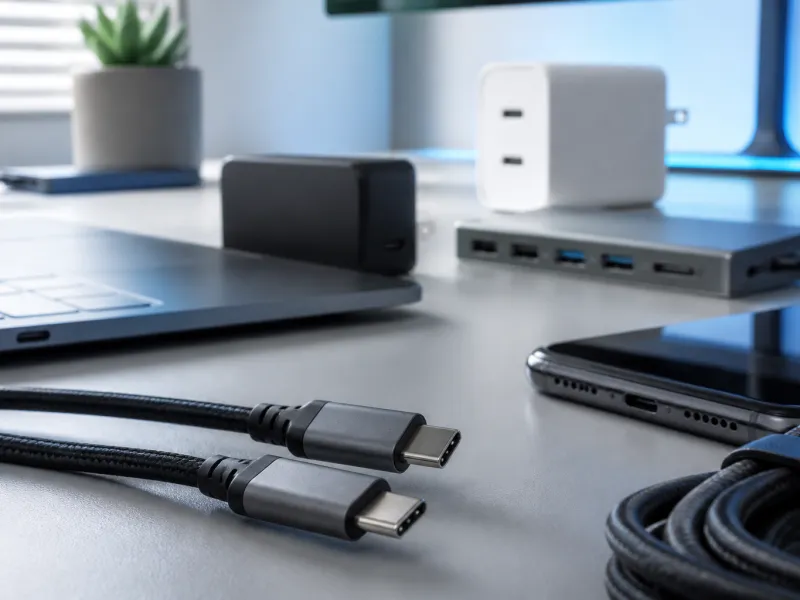
USB-C charging looks simple from the outside, just one small reversible plug, but behind that plug is a negotiation between the charger and the device that decides how much power actually flows. Understanding the basics of that negotiation explains why the same phone can charge quickly with one charger and slowly with another, and why some cables are unsuitable for fast charging even though they fit perfectly.
This page covers the default power level, USB Power Delivery, Programmable Power Supply, Extended Power Range, cable current limits, and some of the reasons a device might charge more slowly than expected.
01
The 5 V default
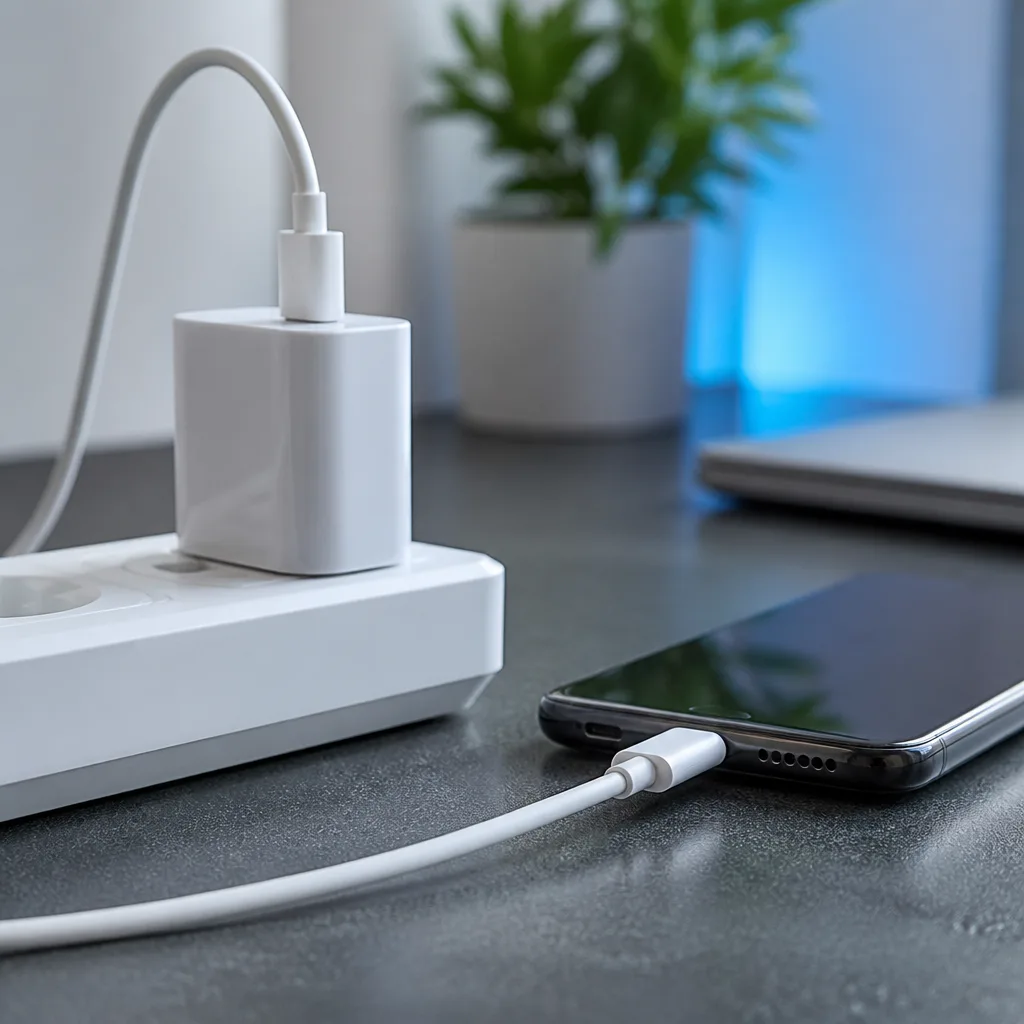
Every USB-C connection starts at a modest default of 5 V, with a current that depends on the port type, typically around 0.5 to 0.9 A for a basic USB data port and up to 1.5 A for a dedicated charging port without further negotiation. This baseline exists so that any USB-C device can draw at least some safe amount of power from any USB-C source, even a very simple one, before anything more advanced is negotiated.
For low power accessories such as earbuds or small peripherals, this default level is often already enough. For phones, tablets and laptops, it is only a starting point, and both sides quickly move on to a faster negotiation if they support one.
02
Power Delivery negotiation
USB Power Delivery, usually shortened to PD, is the standard that lets a charger and a device agree on a higher voltage and current than the 5 V default. When a device is connected, the charger sends a list of the voltage and current combinations it can supply, commonly including 5 V, 9 V, 15 V and 20 V, each paired with a maximum current. The device picks the combination that best matches what it needs at that moment, and the two sides can renegotiate this at any time, for example when the device switches from charging an empty battery to topping up a nearly full one.
Standard PD, as defined in PD revision 3.0, supports power levels up to 100 W, achieved at 20 V and 5 A. This is enough for most phones, tablets and many laptops, though the largest and most powerful laptops can need more, which is where Extended Power Range comes in.
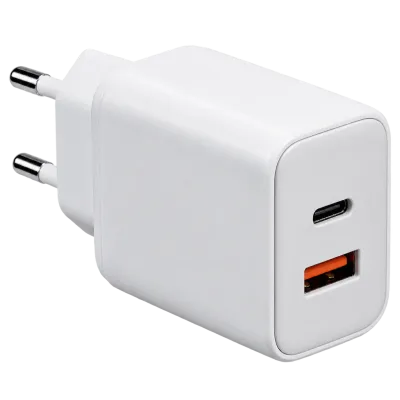 Matching productGaN charger 65 WAmazon →
03
PPS: fine grained voltage control
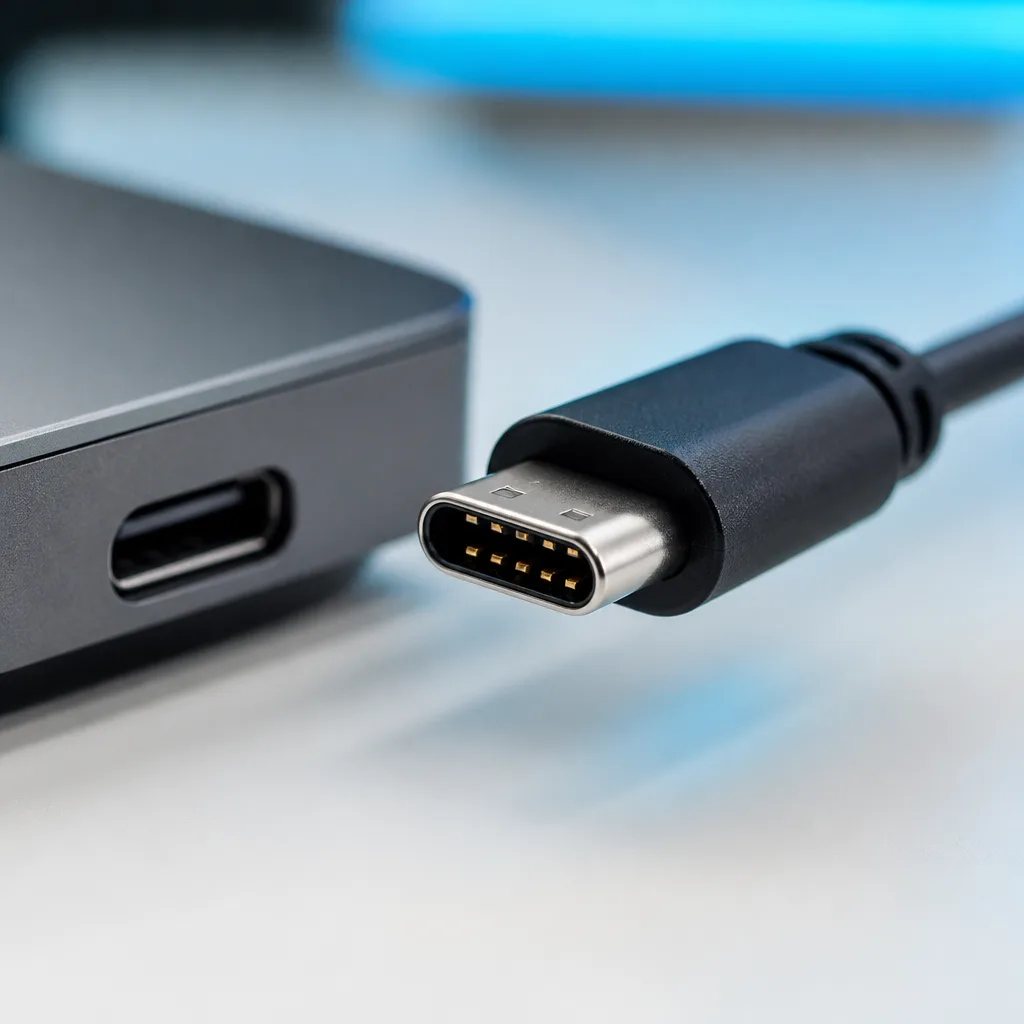
Programmable Power Supply, or PPS, is an addition to Power Delivery that allows the voltage to be adjusted in very small steps, typically 20 millivolt increments, rather than jumping between a handful of fixed levels. A device can request exactly the voltage it wants at a given moment, which reduces the heat generated by voltage conversion inside the device itself and allows more efficient, often faster, charging in devices designed to take advantage of it. Many recent phones that advertise particularly fast charging over USB-C rely on PPS to achieve it, working alongside standard PD levels rather than replacing them.
04
EPR: charging up to 240 W
Extended Power Range, or EPR, was introduced with PD revision 3.1 to push power levels well beyond the original 100 W ceiling. EPR adds higher voltage tiers of 28 V, 36 V and 48 V, allowing power delivery up to 240 W at 48 V and 5 A over a single USB-C connection. This level of power is intended mainly for demanding laptops, docking stations, and other equipment that previously relied on separate, proprietary charging connectors, letting them move to the same universal USB-C connector as everything else.
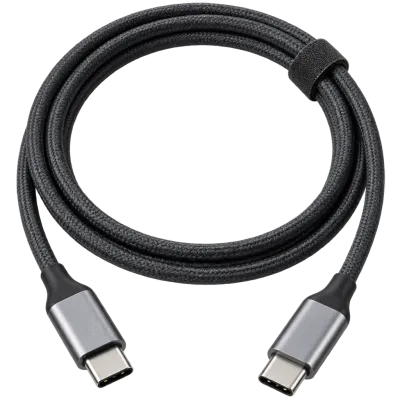
EPR requires both the charger and the device to explicitly support it, and it always requires a cable rated for the higher voltage and current involved, since a standard cable is not built to carry that much power safely.
 Matching productUSB-C cable 240 WAmazon →
05
Cable current limits and the e-marker
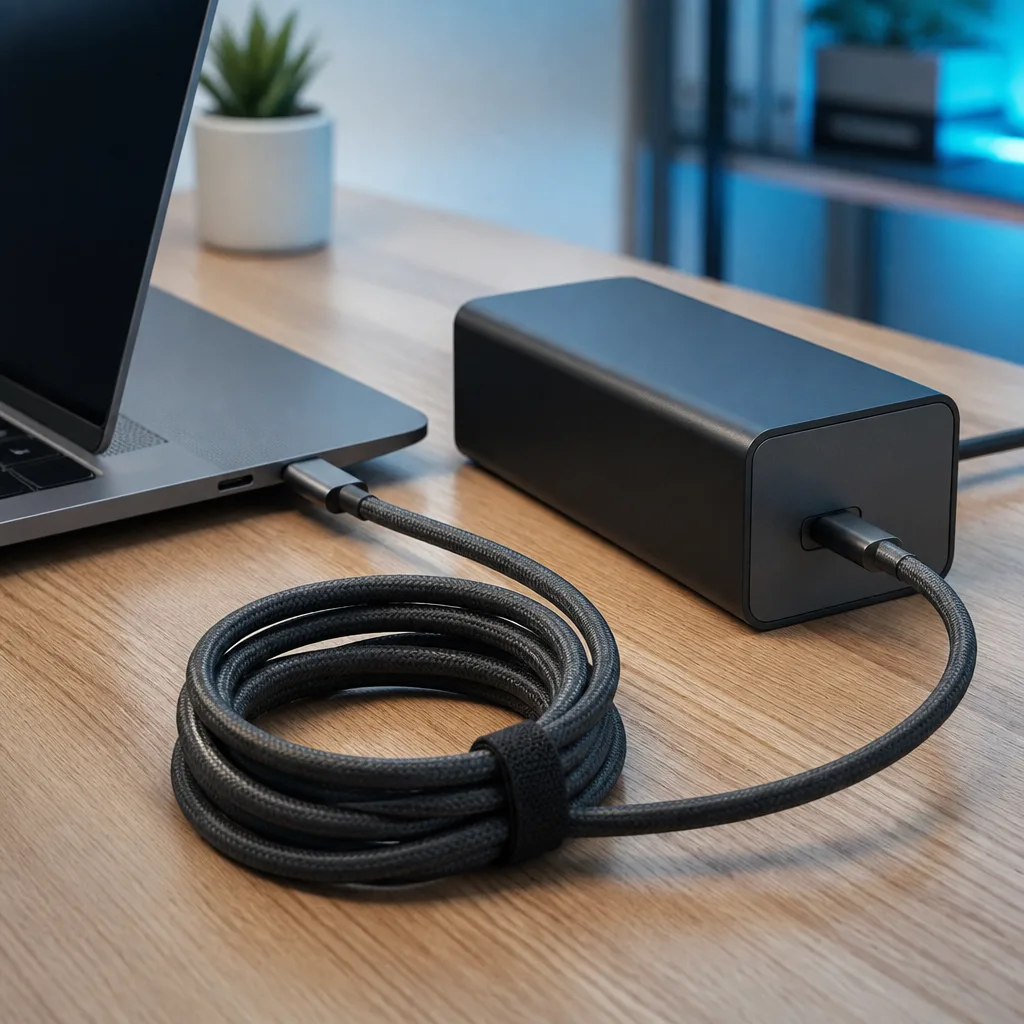
USB-C cables are rated for a maximum current, most commonly either 3 A or 5 A. A 3 A cable can carry up to 60 W at 20 V without EPR, which covers phones, tablets and many smaller laptops. A 5 A cable, needed for the higher end of standard PD and for any EPR charging above the basic levels, must contain a small identification chip known as an e-marker, which tells the charger and device what the cable is rated to carry safely.
A cable without an e-marker is automatically treated as a basic cable and limited to lower current, regardless of how thick it looks or what its packaging claims, since the charger and device rely on the e-marker's reported rating rather than guessing from the cable's appearance. This is one of the most common, and least visible, reasons a seemingly capable setup ends up charging more slowly than expected.
| Power level | Typical voltage | Typical devices |
|---|---|---|
| Up to 15 W | 5 V | Earbuds, small accessories, basic phone charging |
| 15 to 45 W | 5 to 15 V | Phones, small tablets |
| 45 to 100 W | 15 to 20 V | Larger tablets, most laptops |
| 100 to 240 W | 28 to 48 V (EPR) | High performance laptops, docking stations, some monitors |
 Matching productUSB-C docking stationAmazon →
06
Fast charging before USB-C Power Delivery
Before Power Delivery became widespread, several manufacturers used their own proprietary fast charging schemes over the older USB Type-A connector and even over Micro-USB, based loosely on a simpler specification called Battery Charging 1.2. Quick Charge is the best known example of these earlier schemes, and it worked by raising the voltage on a standard USB connection beyond the usual 5 V, without the structured, two way negotiation that Power Delivery later introduced.
These older schemes generally required a matching charger and device from compatible families to reach their higher speeds, and mixing an older fast charging phone with an unrelated fast charger often only achieved standard, slower charging. USB-C and Power Delivery were designed partly to replace this patchwork with a single, openly documented negotiation that any compliant charger and device can use together, regardless of manufacturer, which is why most current devices have moved toward USB-C Power Delivery as their primary fast charging method.
07
Reading a charger's power label
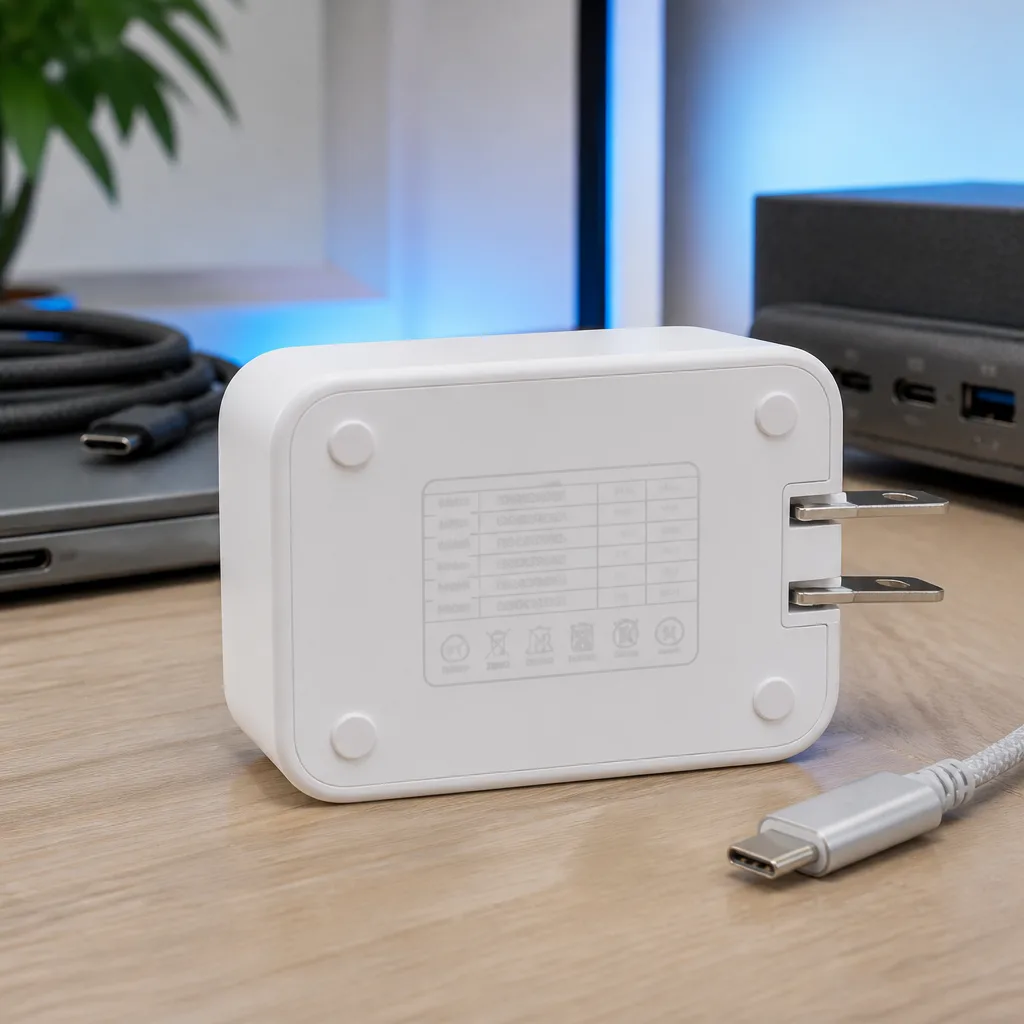
Most USB-C chargers print their supported output combinations on a label, usually as a short list such as 5 V at 3 A, 9 V at 3 A, 15 V at 3 A and 20 V at 5 A, sometimes alongside a separate PPS range shown as a voltage window rather than a fixed value. Multiplying each voltage and current pair gives the wattage available at that level, and the highest listed combination is generally the charger's overall rated wattage, often printed separately as well for convenience.
When a charger has more than one port, the label or accompanying documentation usually also states what happens when several ports are used at once, since the total output is often shared rather than fully available on every port simultaneously. This detail matters more for multi-port desk chargers than for simple single port ones, and is covered further in our guide to choosing a USB charger.
08
Why a device might charge slowly
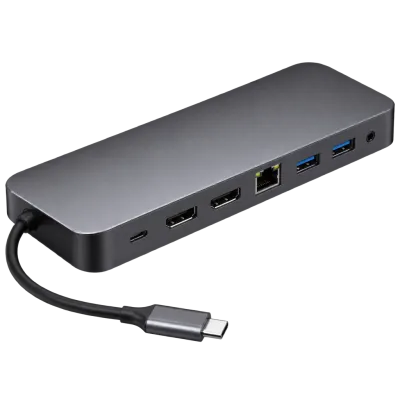
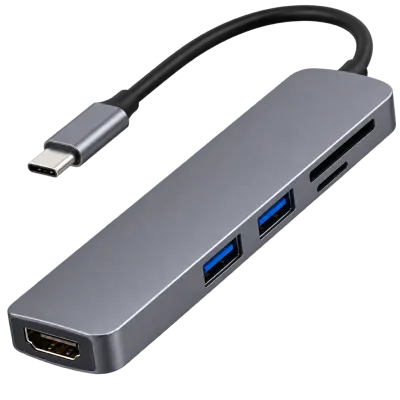
Several everyday causes explain slow charging over USB-C. The charger itself may simply not support a high enough power level for the device. The cable may be rated only for lower current, either because it lacks an e-marker or because it is a basic, thin cable intended mainly for data or low power accessories. A hub or dock placed between the charger and the device can also limit power, especially if it is not separately connected to its own power source. Finally, the device may deliberately slow or pause charging if it becomes warm, which is a normal protective behaviour rather than a fault.
Checking each part of the chain in turn, the charger, the cable, and any hub or dock involved, usually identifies the weak link. Our buying guide lists the practical checks worth making before assuming a device or charger is broken.
 Matching productUSB-C hubAmazon →
09
Charging safety
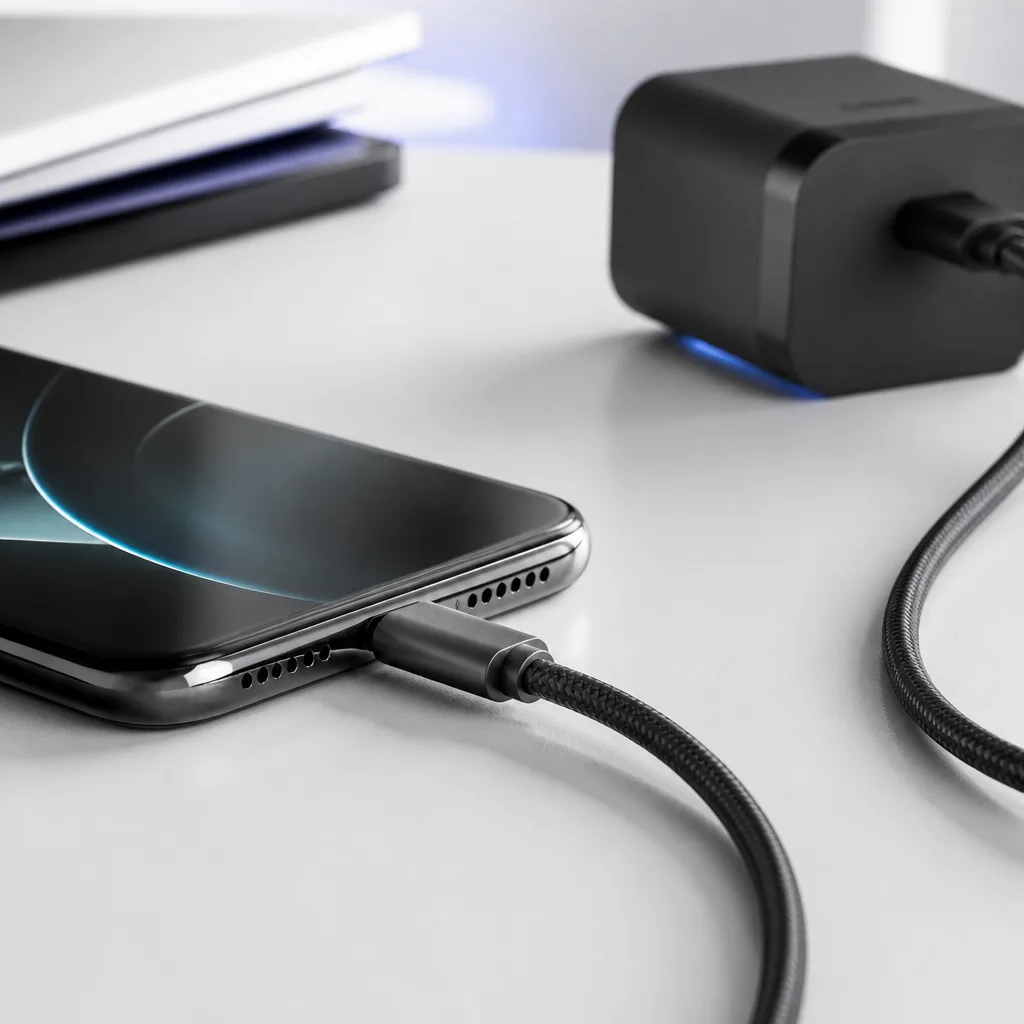
USB-C charging is built around continuous negotiation rather than a fixed, blind power level, which is itself a safety feature, since a device only ever requests as much power as it actually needs and can handle. Using a well made cable and a charger from a reputable source, avoiding visibly damaged cables or chargers, and unplugging equipment that becomes unusually hot are sensible precautions that apply regardless of the specific power level involved.
10
Charging several devices from one charger
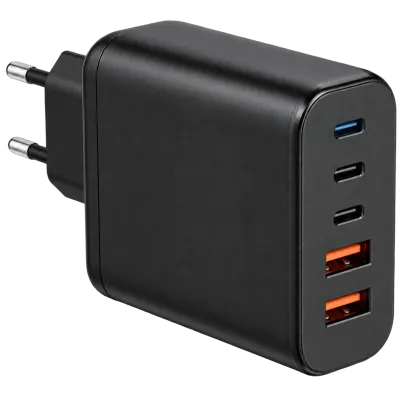
Multi-port USB-C chargers are increasingly common on desks and in bags, letting a phone, tablet and laptop share a single charger instead of each needing its own. As covered in our charger guide, these chargers generally either give each port a fixed maximum output or share a total power budget dynamically between whichever ports are active, and the two approaches behave differently once more than one device is plugged in at the same time.
If a laptop and a phone are both charging from the same multi-port charger and the laptop seems slower than expected, checking whether the charger reduces the laptop's port once the phone is also active is a useful first step, since this shared budget behaviour is normal and documented rather than a fault in either device.
 Matching productMulti-port charger 140 WAmazon →
11
Frequently asked questions
Can a high wattage charger damage a device that needs less power?
No. The device requests only the power level it needs during negotiation, so a higher wattage charger than required is generally safe to use, and the extra capacity simply goes unused.
Do I need a special cable for fast charging?
For power levels above what a basic 3 A cable provides, yes. Reaching the higher end of standard PD or any EPR power level requires a cable rated for 5 A and containing an e-marker chip.
What is the difference between PD and PPS?
PD defines a set of fixed voltage and current combinations a charger can offer. PPS is an addition that allows finer, continuously adjustable voltage control within that framework, often used for particularly fast phone charging.
Why does my laptop charge slowly through a monitor or dock?
The monitor or dock's own power supply sets the maximum wattage it can pass on to a connected laptop, and this figure may be lower than what the laptop's original charger provides, which is a normal limitation rather than a fault.
Is 240 W charging common yet?
Not for most everyday devices. It mainly applies to a smaller number of high performance laptops, docking stations and similar equipment, since the vast majority of phones, tablets and standard laptops need well under 100 W.
Does the charger or the device decide the charging speed?
Neither one alone. The final speed comes from a negotiation between the charger, the cable and the device together, and the slowest or most limited part of that chain sets the ceiling for the whole connection, whichever of the three it happens to be.
Explore
Read next
 USB Standards and Speeds Explained: USB 1.0 to USB4 Version 2.0A complete overview of USB versions and speeds, from USB 1.0 to USB4 Version 2.0, including the confusing renaming of USB 3.x.
 USB Connector Types Explained: Type-A to USB-CA guide to every USB connector type, from Type-A and Micro-USB to USB-C, which devices use which, and how adapters bridge between them.
 USB Glossary: Terms Explained from A to ZA quick reference glossary of USB terms from A to Z, from connector names to charging and storage vocabulary.