
6 min read
How to Choose a USB Charger: Watts, Ports and GaN Explained
Everything to weigh up before buying a USB charger, from wattage and port sharing to GaN technology and travel adapters.
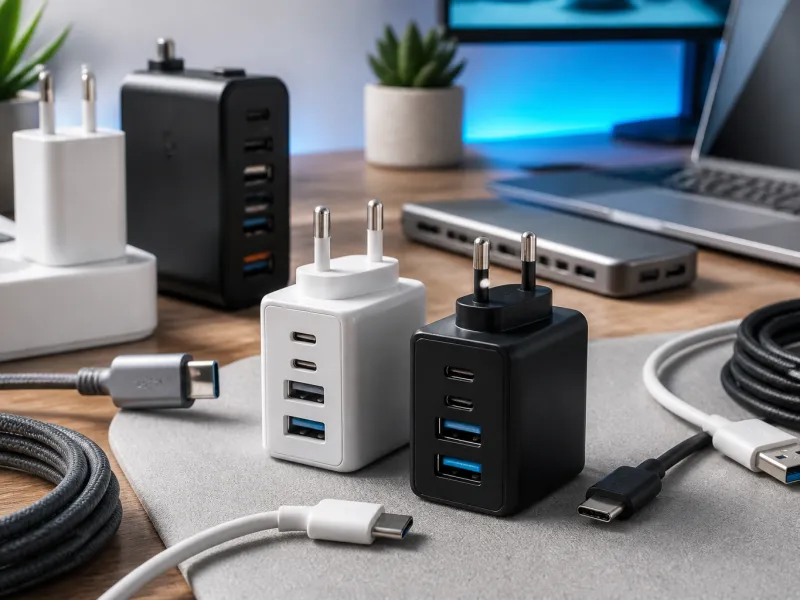
Chargers look simple from the outside, but the numbers printed on them (watts, amps, volts) describe real limits on how fast and how safely a device can charge. Understanding a few basics makes it much easier to choose a charger that suits your phone, tablet, laptop, or a whole desk of gadgets.
This guide covers wattage, ports, GaN technology, sharing power across multiple devices, travel adapters, and the safety marks you should look for in general terms.
01
Understanding watts, volts and amps
Power is measured in watts, and watts are simply volts multiplied by amps. A charger's rated wattage tells you the maximum power it can deliver, but the actual voltage and current depend on what the connected device asks for. Modern USB-C chargers negotiate this automatically with the device, a process explained in more depth in our USB-C charging overview and our dedicated guide to Power Delivery.
As a rough guide, small accessories and earbuds need only a few watts, phones typically charge well between about 18 and 30 watts, tablets and small laptops often want 30 to 65 watts, and larger laptops can need 65 to 100 watts or more. Checking your device's own documentation is the most reliable way to know its charging needs.
It helps to think of wattage as a ceiling rather than a fixed setting. A charger rated at 65 W does not force 65 W into every device, it simply offers to supply up to that much once the device asks for it. A pair of earbuds connected to the same charger will only draw the few watts it actually needs, leaving the rest of the charger's capacity unused during that session.
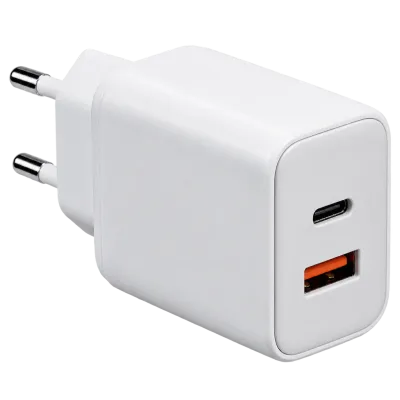 Matching productGaN charger 65 WAmazon →
02
Single port or multi-port chargers
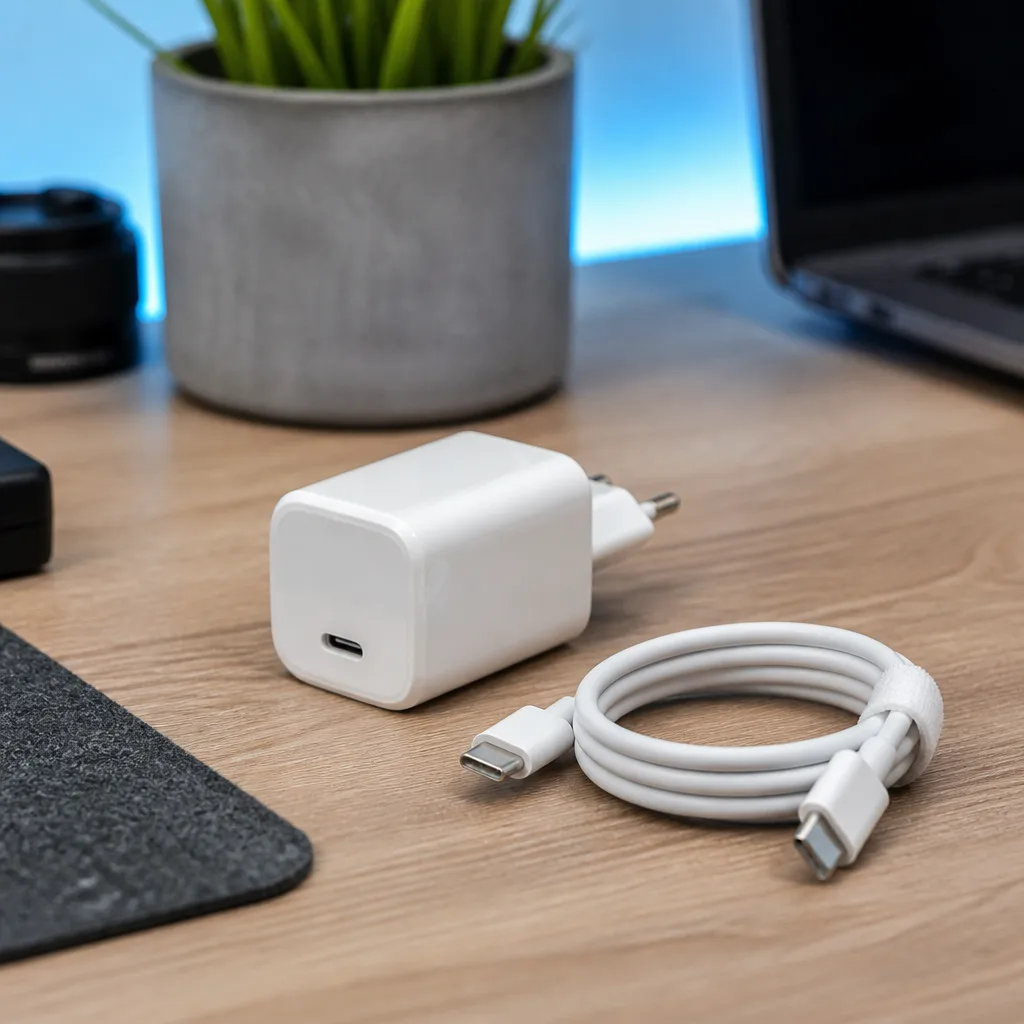
A charger with one port can usually dedicate its full rated power to a single device. A multi-port charger is more convenient for a desk or a bag, but it has to share its total power budget across every port that is in use at once.
| Charger type | Typical use | Thing to check |
|---|---|---|
| Single USB-C port | One phone or laptop | Rated wattage matches the device's needs |
| Two or more ports | Charging several devices together | Total shared wattage, and per-port limits when all ports are busy |
| Travel adapter with USB outputs | Multiple devices while away from home | Plug shape for the destination, and total output across all ports |
The specification sheet or the fine print on the charger itself usually lists what each port can supply on its own, and what happens to that figure when a second or third device is plugged in at the same time. If you regularly charge more than one device, it is worth checking this shared budget rather than assuming every port always gives its maximum figure simultaneously.
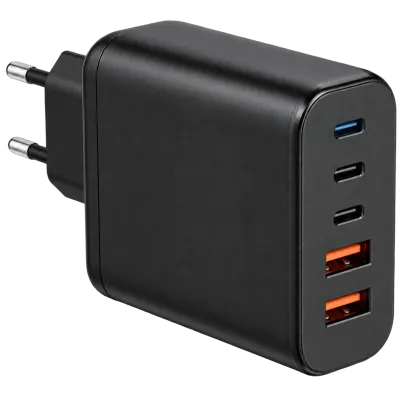 Matching productMulti-port charger 140 WAmazon →
03
GaN chargers explained
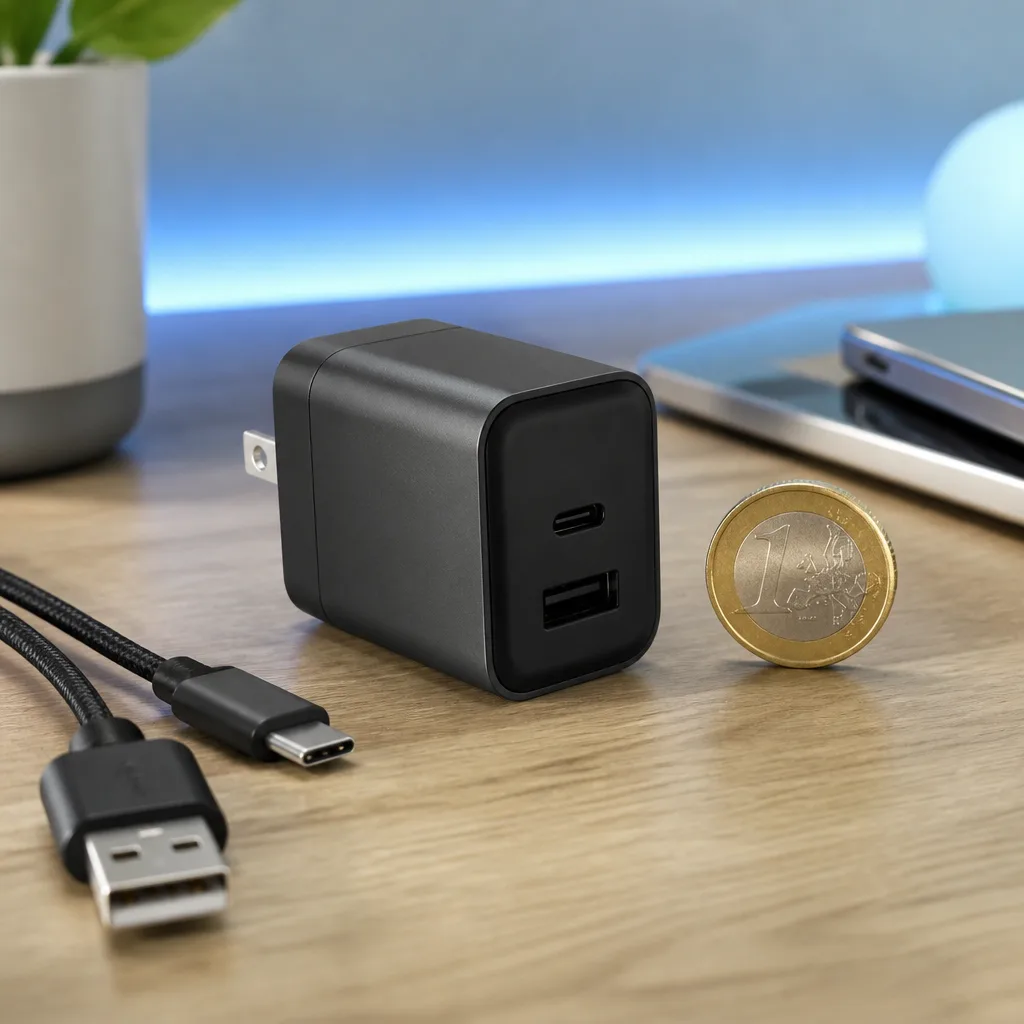
GaN, short for gallium nitride, is a material used in the internal electronics of a charger instead of traditional silicon. A GaN charger can run cooler and more efficiently, which lets manufacturers fit higher wattage into a noticeably smaller and lighter case than older designs of the same power. This is why many recent high wattage chargers are barely bigger than the charger that once shipped with a phone.
GaN itself does not change how fast a device charges beyond what the wattage and the device's own charging profile allow. It mainly affects the charger's size, heat, and efficiency rather than adding new charging capability on its own.
04
Multi-port power sharing in practice
When several devices share one charger, most designs use one of two approaches. Some chargers give each port a fixed maximum, so plugging in a second device never reduces what the first one receives. Others use dynamic sharing, where the total output is divided between active ports, often in proportion to what each connected device is asking for.
Neither approach is inherently better, but it matters for planning. If you often charge a laptop and a phone from the same charger at the same time, check whether the laptop port keeps its full rated power once the phone is also plugged in, since a lower shared figure could mean slower laptop charging than expected.
05
Travel adapters
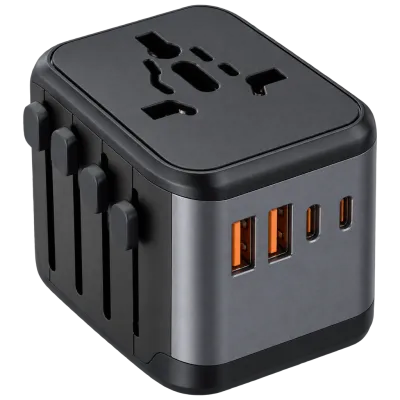
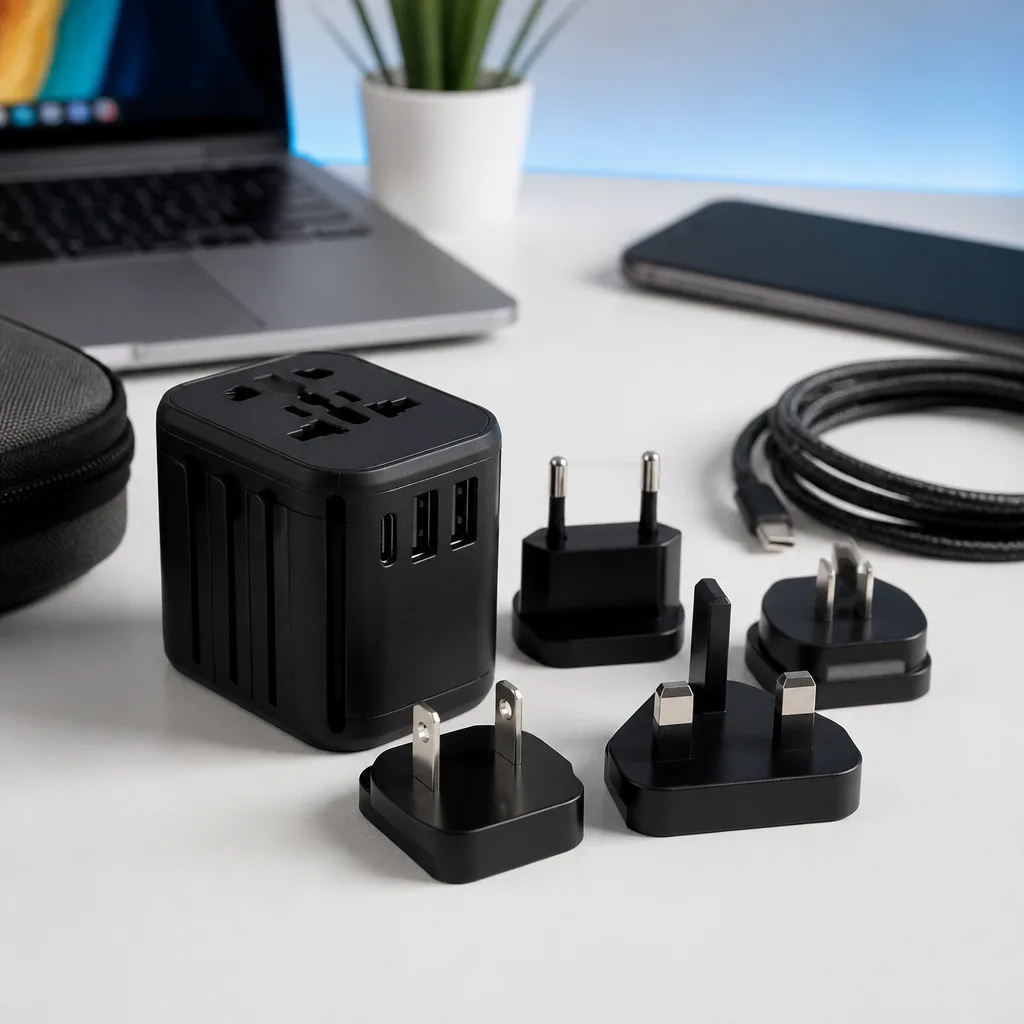
A travel adapter changes the shape of the plug so it fits a different country's wall outlet, but it does not usually change the voltage of the electricity itself. Most modern USB chargers with a wide input voltage range work correctly across regions, but always check the charger's label for its accepted voltage range before travelling, especially for older or specialised equipment.
When choosing a travel adapter with built-in USB outputs, look at the same wattage and sharing details described above, since a compact travel adapter often has less power to share between its ports than a dedicated desk charger.
It is also worth remembering that a travel adapter is a mechanical and electrical bridge, not a charger in its own right when it has no USB ports of its own. If you are only adapting the plug shape for an existing charger, the adapter itself does not need to be rated for any particular wattage, since it is simply passing through the electricity supply unchanged.
 Matching productTravel adapter with USBAmazon →
06
Safety marks and general precautions
Look for recognised regional safety or compliance markings on any charger before buying it, since these indicate the product has been assessed against basic electrical safety requirements. Avoid chargers with visible damage, a loose or wobbling plug, or a case that feels unusually hot during normal use.
Buying from a reputable retailer, keeping the original packaging or documentation, and replacing a charger that shows any of these warning signs are all sensible habits that apply everywhere, regardless of which country you are in. Our buying guide and our page on the EU common charger rules have more detail on standards that shape what you will find in shops today.
07
Matching the charger to the cable
A charger is only one half of the picture. The cable connecting it to your device also has its own current rating, and a cable rated for lower current can bottleneck an otherwise capable charger. This matters most for higher power laptop charging, where reaching the full wattage a charger can offer usually depends on using a cable built for it, as covered in our guide to USB cables.
When buying a charger and cable together, it is worth checking that both are rated for the same power level, rather than assuming a high wattage charger will automatically perform at its best with any cable that happens to fit the connector.
08
Frequently asked questions
Does a higher wattage charger damage a low power device?
No. A device only draws the power it needs during the negotiation with the charger, so a higher wattage charger is generally safe to use with a lower power device.
Can I use a phone charger for a laptop?
Only if its wattage and voltage range are enough for the laptop, which is often not the case for smaller phone chargers. Check your laptop's minimum requirement first.
Is a more expensive charger always better?
Not necessarily. Price is not a reliable indicator of quality on its own, so focus on rated wattage, port count, and recognised safety marks instead.
Why does my charger feel warm during use?
Some warmth is normal, since charging is not perfectly efficient and some energy is lost as heat. Excessive heat or a burning smell is not normal and means the charger should be unplugged and replaced.
Explore
Read next
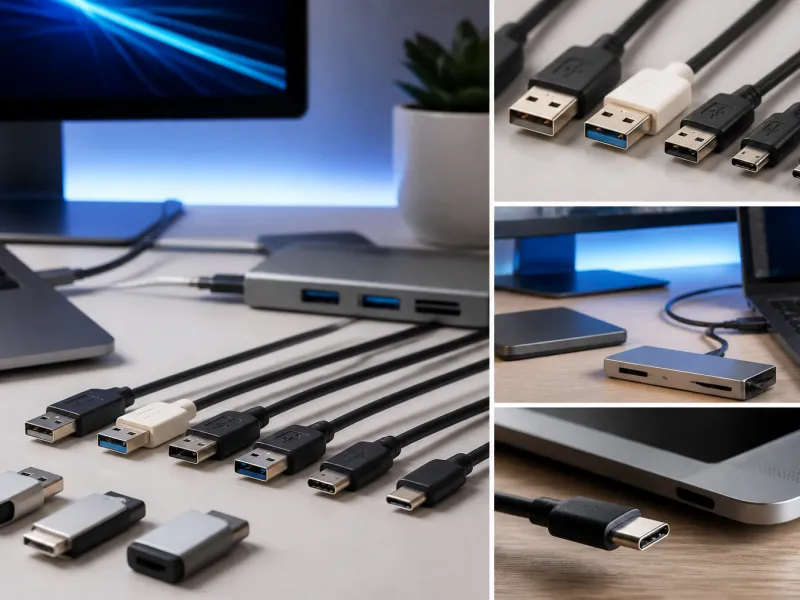 USB Standards and Speeds Explained: USB 1.0 to USB4 Version 2.0A complete overview of USB versions and speeds, from USB 1.0 to USB4 Version 2.0, including the confusing renaming of USB 3.x.
 USB Connector Types Explained: Type-A to USB-CA guide to every USB connector type, from Type-A and Micro-USB to USB-C, which devices use which, and how adapters bridge between them.
 How USB-C Charging Works: Power Delivery, PPS and EPR ExplainedA clear explanation of USB-C charging: Power Delivery negotiation, PPS, Extended Power Range, cable current limits, and common reasons for …