
5 min read
Choosing USB cables: what actually matters
Identical looking USB cables can behave very differently. Here is how to choose the right one for the job.
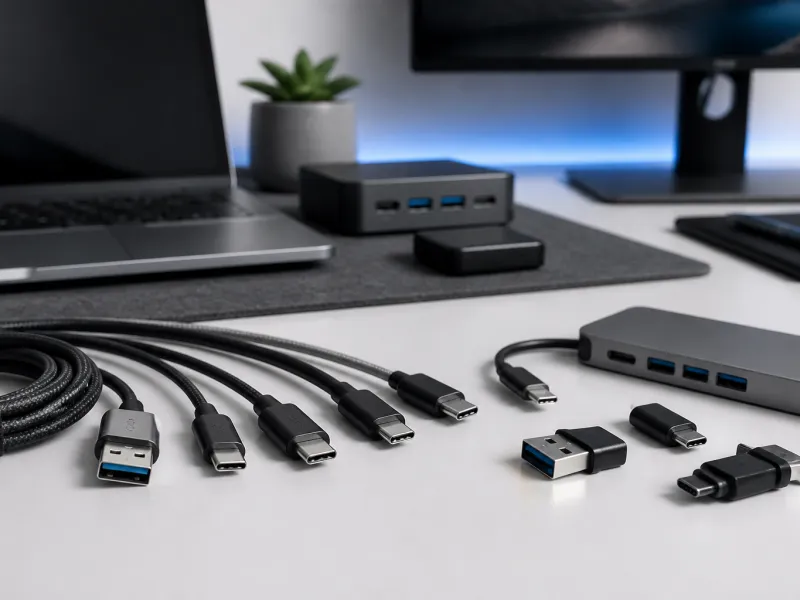
Buying a USB cable sounds like it should be simple, but the wrong choice can leave a laptop charging slowly, an external drive running far below its rated speed, or a monitor refusing to display anything at all. Cables that look identical on the outside can be built very differently on the inside.
This guide explains the practical differences between cables, including data versus charge only wiring, power ratings, length limits, active cables, and how to read the labels that manufacturers sometimes provide, so that the next cable you buy actually matches the job you need it for.
01
Data cables versus charge only cables
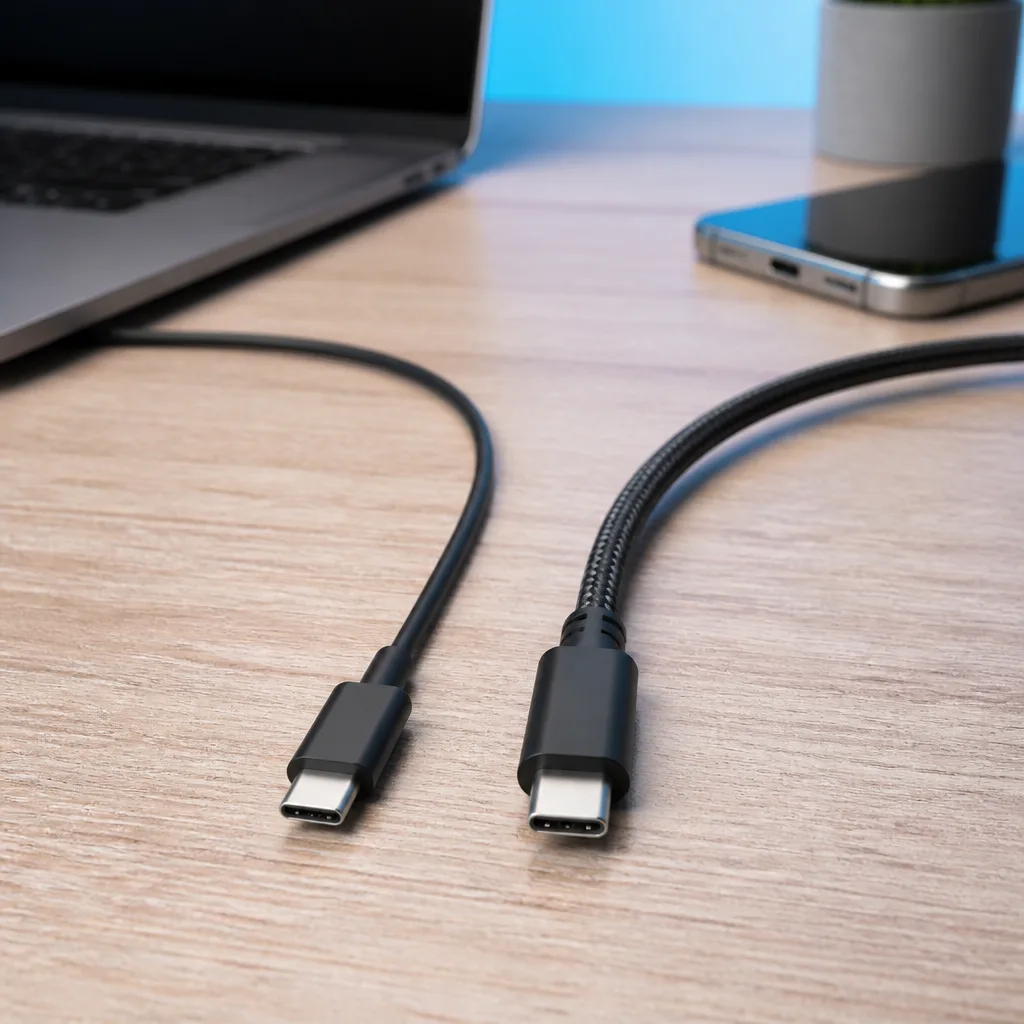
Some of the least expensive USB-C cables are built with only power wires inside, with no data wires at all, or with minimal, slow speed data wiring. These cables are perfectly fine for charging a phone or a power bank, but they will not work for anything that needs a data connection, such as transferring files, connecting an external drive, or plugging in a monitor.
There is usually no visible way to tell a charge only cable apart from a full featured one just by looking at the connector, since both use the identical USB-C plug shape. A cable that came bundled with a basic charger or power bank is a common source of this problem, since manufacturers often include the least expensive cable that meets the charging need alone.
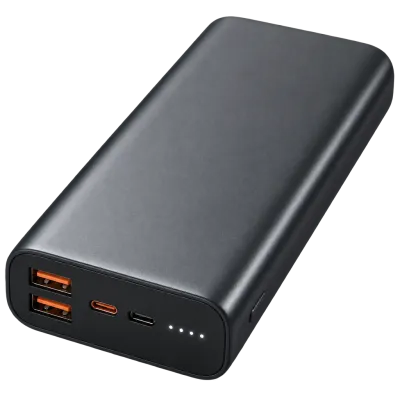 Matching productPower bank 20,000 mAhAmazon →
02
Power ratings: 60 W, 100 W and 240 W
USB-C cables are built to carry different maximum currents, which in turn limits the power they can safely deliver. A standard cable without an e-marker chip is limited to 60 watts, which covers phones, tablets and many smaller laptops. Cables rated for higher power, up to 100 watts or, with Extended Power Range support, up to 240 watts, include a small e-marker chip that identifies the cable's safe current limit during the Power Delivery negotiation described in our guide to USB Power Delivery.
Using a lower rated cable with a more powerful charger and a demanding device is safe, since Power Delivery negotiation will simply cap the power at what the cable reports, but it means charging happens more slowly than the charger and device would otherwise support together.
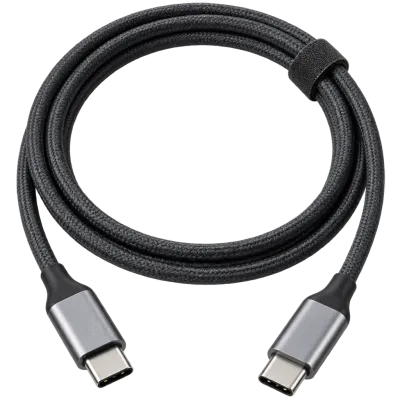 Matching productUSB-C cable 240 WAmazon →
03
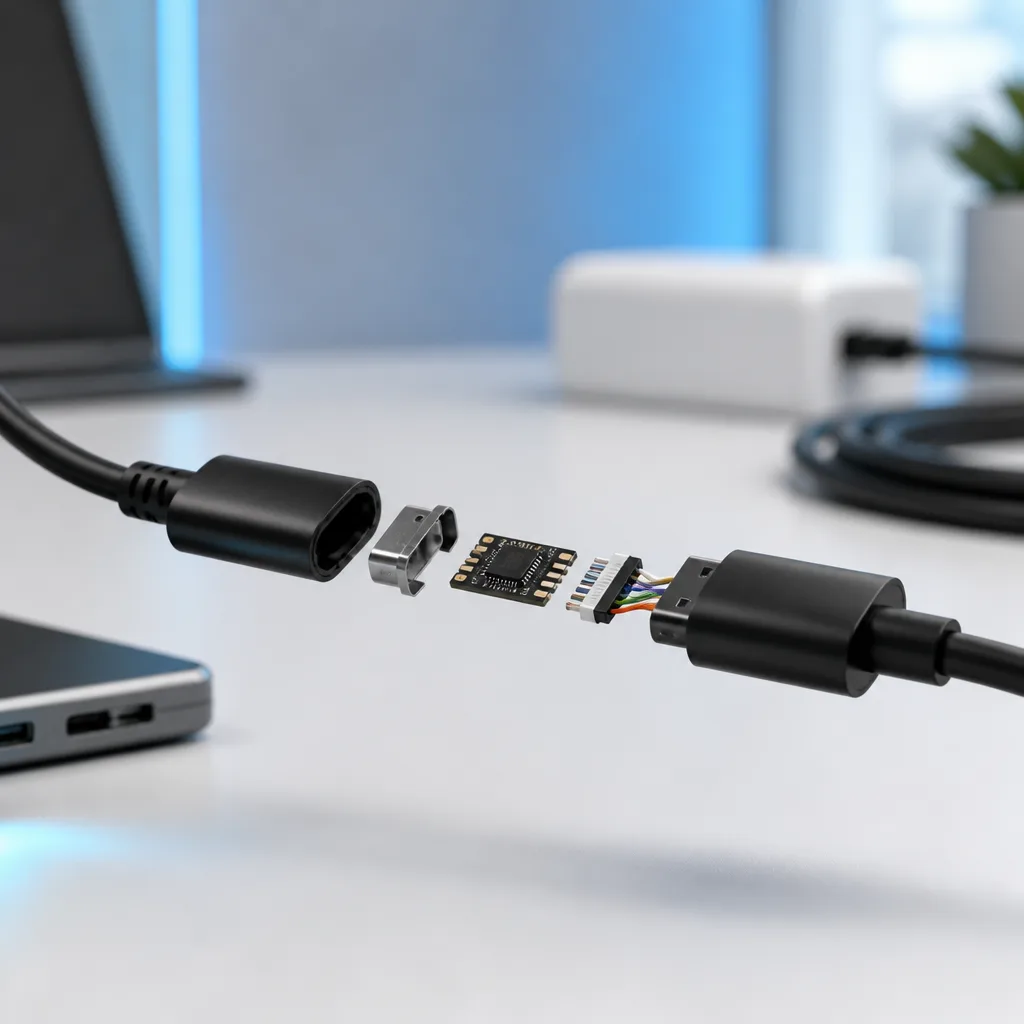
E-marker chips and why they matter
The e-marker is a small identification chip built into one or both ends of certain USB-C cables. It tells the connected charger and device the cable's maximum safe current and, on many higher end cables, its supported data speed. Any cable rated above 3 amps at 20 volts is required to include this chip, since without it the system has no safe way to confirm the cable can handle that much current.
E-marker chips are also common on cables built for higher data speeds, including many Thunderbolt and USB4 cables, since these cables need to report detailed capability information beyond just power. A cable's packaging or specification sheet will usually state directly whether it includes an e-marker.
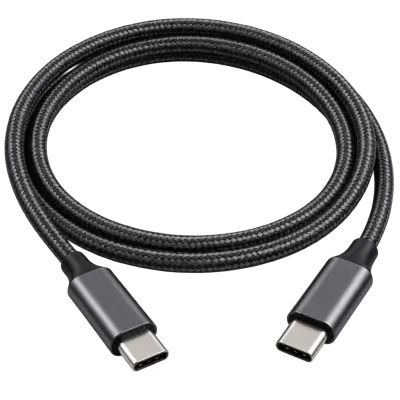 Matching productUSB4 / Thunderbolt cableAmazon →
04
Length limits and why longer cables can be slower
The higher a USB standard's data speed, the more sensitive the signal becomes to cable length and quality, because faster signals degrade more quickly over distance. This is why very fast cables, particularly those supporting USB4, Thunderbolt or USB 20Gbps and above, are commonly limited to shorter lengths, often around 0.8 metres for the fastest passive cables, while slower USB 2.0 style charging cables can be made much longer, sometimes several metres, without much practical loss of performance.
A cable advertised at a high speed but sold at an unusually long length for that speed is worth checking carefully, since maintaining full speed at longer distances usually requires active electronics inside the cable rather than simple passive wiring.
05
Active cables: extending length without losing speed
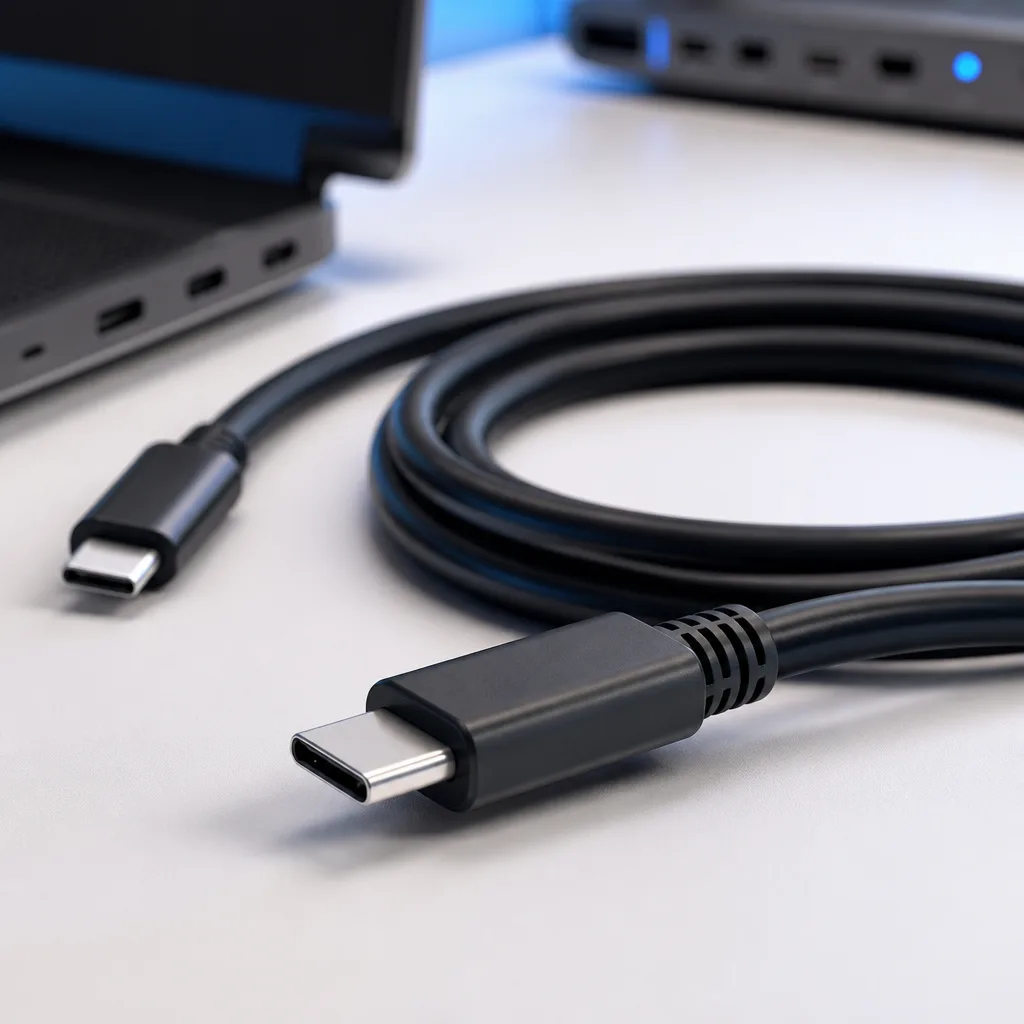
An active cable contains small electronic components, sometimes called retimers, that clean up and amplify the signal as it travels through the cable. This allows active cables to run at full speed over lengths that a simple passive cable could not manage reliably.
Active cables are typically thicker, heavier and more expensive than passive cables of the same length, and they are usually only necessary when a fast connection, such as USB4, Thunderbolt or a high speed external drive, needs to run further than the typical passive length limit allows, for example between a desk mounted dock and a computer placed further away.
06
Comparing cable types at a glance
| Cable type | Typical use | Typical length limit for full speed |
|---|---|---|
| Charge only, no e-marker | Basic phone and accessory charging | Length has little effect on charging |
| Standard data and power, no e-marker | Everyday devices, up to 60 W | Around 1 to 2 metres for full data speed |
| E-marked, high power or high speed | Laptops, fast external drives | Often shorter for the fastest speeds, around 0.8 metres passive |
| Active cable | Long runs at full USB4 or Thunderbolt speed | Several metres, using internal electronics |
07
Reading cable labels and choosing durability
Some manufacturers print small symbols or numbers near the connector indicating speed or power rating, though this is far from universal, and many cables carry no markings at all. Where present, these labels are a helpful shortcut, but the manufacturer's own specification sheet remains the most reliable source when a purchase depends on getting the right cable for a demanding task.
Beyond electrical capability, physical durability also varies a great deal between cables. Braided outer sleeves and reinforced strain relief near the connector, the point where the cable meets the plug, tend to resist daily wear such as bending and pulling better than thin, unreinforced cables, which is worth considering for a cable that will be plugged and unplugged frequently or carried in a bag.
Colour coding or small tags can also make a real difference in daily life, since it is very easy to lose track of which cable in a drawer is the fast, high power one and which is a basic charging cable. Labelling cables when they are new, either with a marker on a piece of tape or with small cable tags, saves time later and avoids the frustration of plugging in a slow cable by mistake right before an important file transfer.
08
Frequently asked questions
How do I know if a cable supports data or only charging?
There is no reliable way to tell by looking at the connector. Check the packaging or specification sheet, or test the cable with a device that requires a data connection, such as an external drive.
Can a cheap cable damage my device?
A properly designed USB-C cable relies on Power Delivery negotiation to stay within safe limits, but very poorly made or non compliant cables have occasionally been reported to cause problems, so choosing cables from a reputable source is worthwhile.
Why does my fast external drive run slowly with a long cable?
Long cables, especially passive ones, can reduce the data speed a fast connection can sustain. Trying a shorter cable, or an active cable rated for the full distance and speed, usually resolves this.
Do I need an e-marked cable for my laptop charger?
If the charger and laptop are rated above 60 watts combined, an e-marked cable is required to reach that higher power. Below that level, a standard cable is sufficient.
 Matching productGaN charger 65 WAmazon →
Explore
Read next
 USB Standards and Speeds Explained: USB 1.0 to USB4 Version 2.0A complete overview of USB versions and speeds, from USB 1.0 to USB4 Version 2.0, including the confusing renaming of USB 3.x.
 USB Connector Types Explained: Type-A to USB-CA guide to every USB connector type, from Type-A and Micro-USB to USB-C, which devices use which, and how adapters bridge between them.
 How USB-C Charging Works: Power Delivery, PPS and EPR ExplainedA clear explanation of USB-C charging: Power Delivery negotiation, PPS, Extended Power Range, cable current limits, and common reasons for …