
5 min read
USB Power Delivery explained in depth
USB Power Delivery lets one charger safely power very different devices. Here is how that negotiation works.
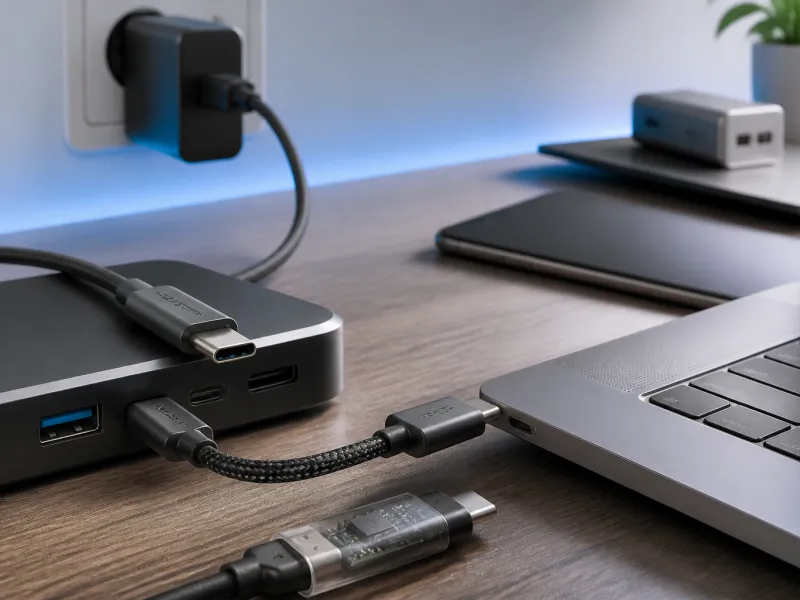
USB Power Delivery, usually written as USB PD, is the system that lets a modern charger and device agree on how much power to send over a USB-C cable. It is why the same charger can safely power a phone at a gentle trickle and a laptop at a much higher wattage, without either device being damaged.
This guide looks at how that negotiation actually works, what the numbers on a charger mean, what PPS and EPR add, and how chargers, cables and devices each play their own part.
01
The basic idea behind Power Delivery
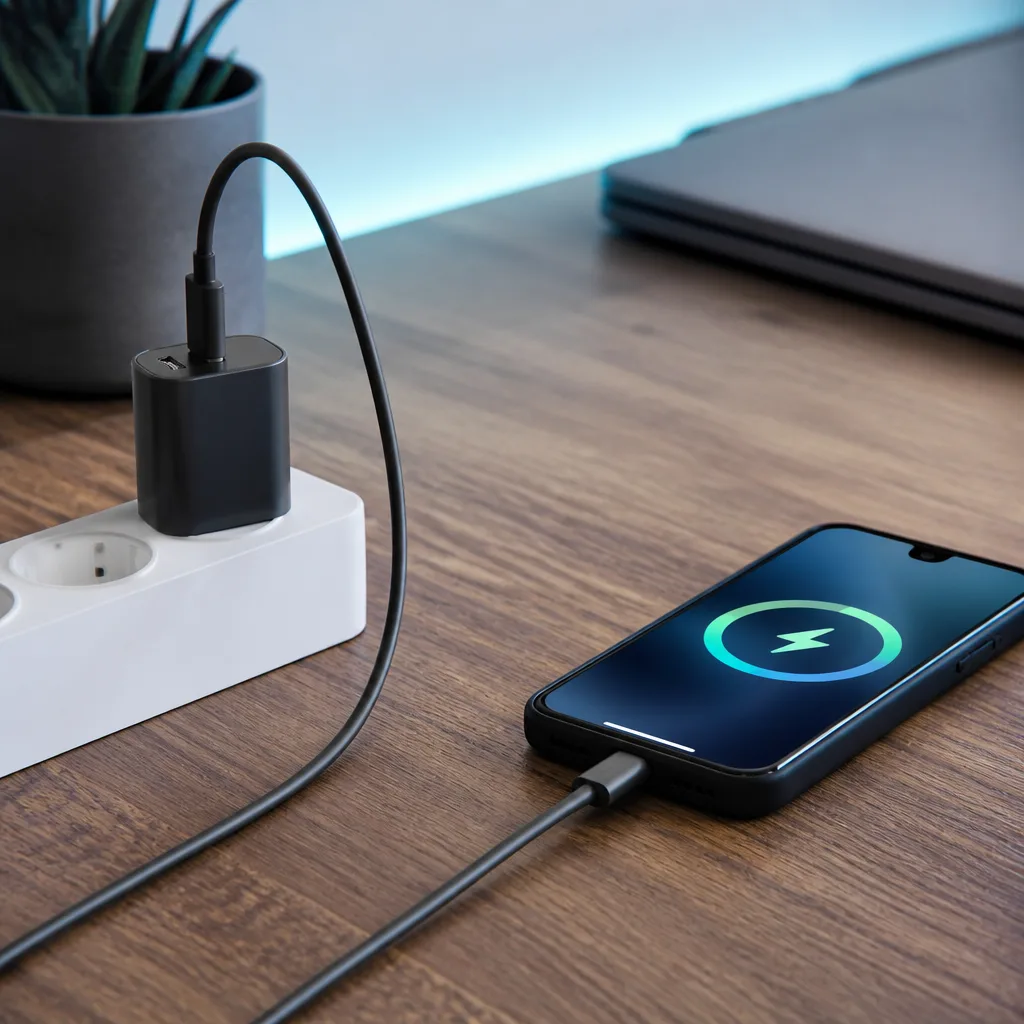
Before Power Delivery, USB power was mostly fixed at low levels, enough for small accessories but far too little for a laptop. Power Delivery turns charging into a conversation. When a device is connected to a PD capable charger, the two exchange messages over the cable's data pins to work out what voltages and currents the charger can offer and what the device is asking for, before any high power flows.
This negotiation happens in a fraction of a second and is invisible to the user. It also means the same charger can safely serve very different devices. A small earbuds case might request a fraction of a watt, while a laptop plugged into the same charger might request the charger's full rated output, and the charger adjusts its output accordingly for each device.
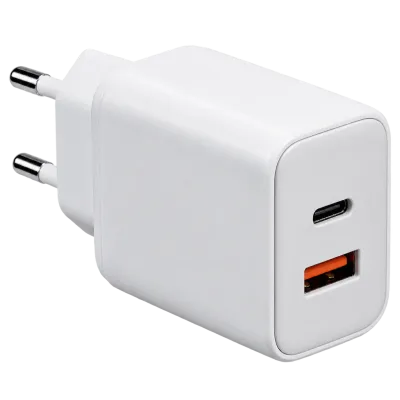 Matching productGaN charger 65 WAmazon →
02
Voltages, PDOs and how negotiation works
A Power Delivery charger advertises a set of options called Power Data Objects, or PDOs, each describing a voltage and a maximum current it can supply at that voltage. Common fixed voltages include 5, 9, 15 and 20 volts, though the exact set varies by charger. The connected device looks at this list and requests the combination that best matches what it needs, and the charger confirms before switching to that voltage.
Only after this exchange does the cable actually carry the higher voltage. This is a deliberate safety measure: a cable or device that has not agreed to a higher voltage will never receive one unexpectedly, which is part of why USB-C charging is considered safe across such a wide range of power levels.
03
Programmable Power Supply and Extended Power Range
PPS, Programmable Power Supply, is an addition to Power Delivery that allows the voltage to be adjusted in much finer steps, and to change continuously while charging rather than jumping between a few fixed levels. Many phones use PPS to fine tune charging for speed and heat management, since it lets the device request very specific voltage and current combinations rather than picking from a short fixed list.
Extended Power Range, or EPR, raises the ceiling of what Power Delivery can supply. Standard, or Standard Power Range, Power Delivery tops out at 100 watts. EPR extends this up to 240 watts, using higher voltages up to 48 volts, which is aimed at power hungry laptops and other demanding devices. Reaching EPR power levels requires a charger, cable and device that all explicitly support EPR, since it is a distinct capability rather than something every USB-C charger includes automatically.
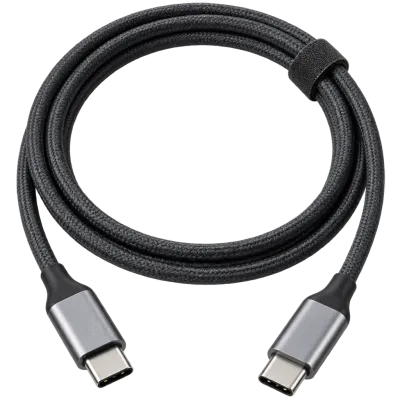 Matching productUSB-C cable 240 WAmazon →
04
Power Delivery versions at a glance
| Version | Maximum power | Notes |
|---|---|---|
| USB PD 2.0 and 3.0 | Up to 100 W | Fixed voltages, PPS added later in PD 3.0 |
| USB PD 3.1 | Up to 240 W | Adds Extended Power Range up to 48 V |
These figures are the ceiling the standard allows, not a guarantee that any particular charger reaches that level. Chargers are sold at many different maximum wattages within these limits, and a device will only ever draw what it actually needs.
05
What the charger, the cable and the device each contribute
Reaching a given charging speed depends on all three parts of the connection agreeing, in a similar way to data speed depending on the whole chain of a USB connection.
- The charger sets the upper limit of what can possibly be supplied, based on its own rated maximum output and which PDOs it advertises.
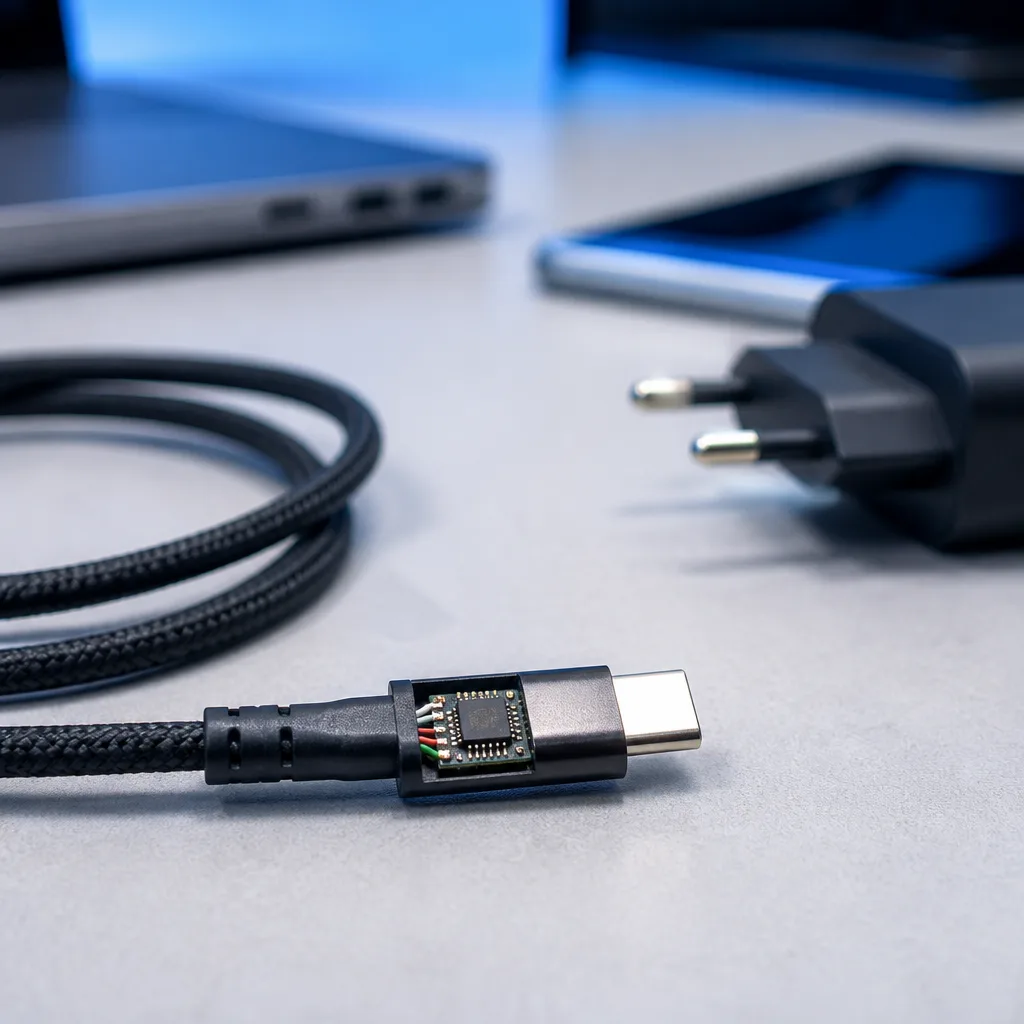
- The cable must be rated to carry the requested current safely. Cables that support more than 3 amps at 20 volts are required to include a small chip known as an e-marker that identifies the cable's rating during negotiation.
- The device decides how much power it actually asks for, based on its battery size, current charge level and internal charging circuitry, and it will never request more than it can safely use.
Because of this, plugging a laptop into a very powerful charger with an unrated cable can still result in slow charging, since the cable itself becomes the limiting factor. Our guide to choosing USB cables explains e-marker cables and power ratings in more detail.
06
Common Power Delivery scenarios
A few everyday situations illustrate how this negotiation plays out. Charging a phone with a laptop charger usually works, since the phone will simply request a lower, appropriate voltage from the charger's advertised options. Charging a laptop with a small phone charger may not work at all, or may only trickle charge, since the charger may not offer enough power for the laptop to run and charge at the same time. Two devices with different Power Delivery versions can still work together, since older devices simply ignore the newer options they do not understand and negotiate at whatever level they both support.
07
Older, non standard fast charging
Before Power Delivery became widespread, some manufacturers used their own proprietary fast charging methods, such as Qualcomm's Quick Charge, which work differently and are not part of the USB-IF's official Power Delivery specification. Devices built around these older methods may still charge at a basic, slower rate with a standard Power Delivery charger, since most support at least a simple fallback mode, but reaching their fastest proprietary speed usually requires a matching charger from the same family.
For everyday shopping purposes it is usually enough to know the wattage a device is designed for and to pick a charger and cable that comfortably cover it, rather than trying to match every technical detail of a specific fast charging scheme. Our buying guide covers how to translate a device's charging needs into a sensible charger choice.
08
Frequently asked questions
Is it safe to use a high wattage charger with a small device?
Yes. The device only ever requests the power it needs during negotiation, and the charger will not send more voltage or current than has been agreed, regardless of the charger's maximum rated output.
What is the difference between PD and PPS?
PPS is a feature within Power Delivery that allows finer, continuously adjustable voltage steps, rather than the fixed set of voltages used in basic Power Delivery negotiation.
Do I need a special cable for high wattage charging?
Above 60 watts, which corresponds to more than 3 amps at 20 volts, a cable with an e-marker chip is required, since the charger and device rely on it to confirm the cable can carry that current safely.
Why does my laptop charge slowly with a certain charger?
This usually means the charger, the cable or the negotiated voltage does not provide enough power for the laptop to charge quickly, often because the charger's maximum output is lower than the laptop needs, or the cable is not rated for higher current.
Explore
Read next
 USB Standards and Speeds Explained: USB 1.0 to USB4 Version 2.0A complete overview of USB versions and speeds, from USB 1.0 to USB4 Version 2.0, including the confusing renaming of USB 3.x.
 USB Connector Types Explained: Type-A to USB-CA guide to every USB connector type, from Type-A and Micro-USB to USB-C, which devices use which, and how adapters bridge between them.
 How USB-C Charging Works: Power Delivery, PPS and EPR ExplainedA clear explanation of USB-C charging: Power Delivery negotiation, PPS, Extended Power Range, cable current limits, and common reasons for …