
5 min read
Charging Laptops Over USB-C: Watts, Voltages and Limits
How much power laptops need over USB-C, what the higher voltage tiers mean, and the practical limits of charging from power banks and monitors.
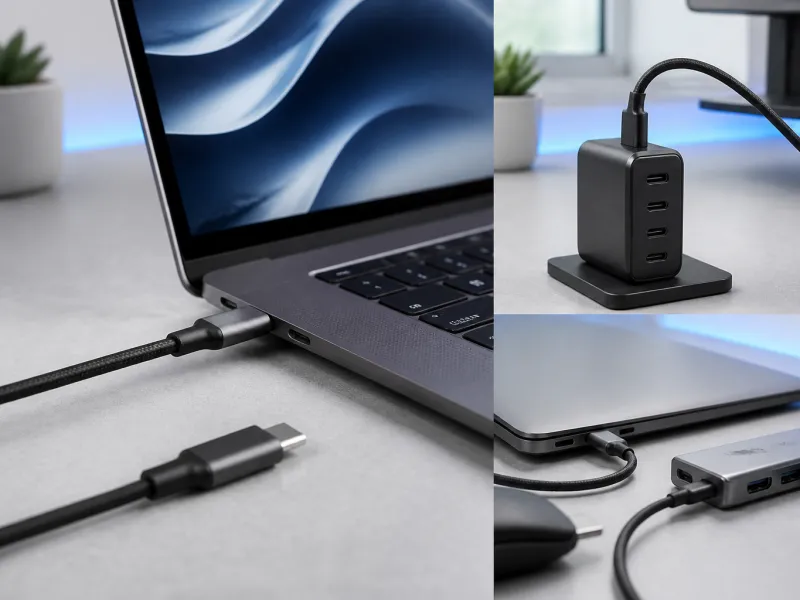
Charging a laptop over USB-C has become the norm rather than the exception, replacing many manufacturers' proprietary charging barrels. The same small connector can now carry enough power for demanding laptops, but only when the charger, cable, and laptop all support the right voltage and wattage together.
This guide explains how much power laptops typically need, what the higher voltage tiers mean, and where the practical limits are when charging from power banks or monitors.
01
How USB-C charges a laptop
USB-C charging relies on a negotiation between the charger and the laptop, defined by the USB Power Delivery standard. The two sides exchange a short list of voltage and current combinations they can support, then agree on the one that suits the laptop's needs at that moment, which can change depending on whether the laptop is idle, working hard, or charging from empty.
Because this negotiation happens automatically, a laptop can safely be connected to a charger rated far higher than it needs, since it will only request what it actually wants. A charger rated too low, however, will limit the laptop to slow charging, or in some cases only maintain the battery level rather than increasing it while the laptop is in heavy use.
This negotiation is also why the same laptop can charge at different speeds depending on what it is plugged into. A high wattage charger sitting on a desk, a lower power charger packed for travel, and a monitor's built-in power supply can all technically charge the same laptop, but each will settle on a different point in the negotiation depending on what it can offer.
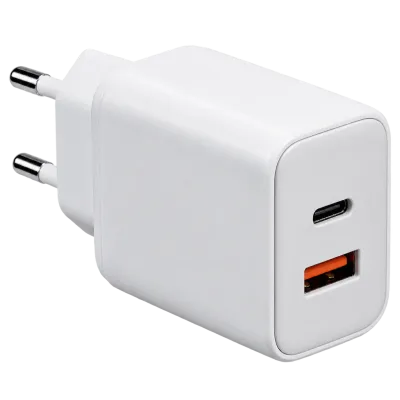 Matching productGaN charger 65 WAmazon →
02
How many watts does a laptop need
Wattage needs vary widely with laptop size and performance. Small and light laptops often charge comfortably on 45 to 65 watts, mainstream laptops commonly want 65 to 100 watts, and powerful or larger laptops can need 100 watts or more, sometimes above what standard Power Delivery alone provides.
| Laptop type | Typical charging power |
|---|---|
| Ultra-light or small laptop | Around 45 to 65 W |
| Mainstream laptop | Around 65 to 100 W |
| High performance or large laptop | 100 W and above |
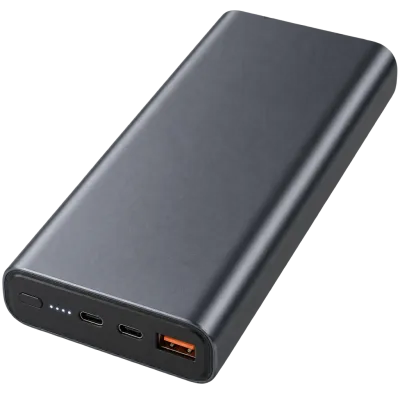 Matching productLaptop power bank 100 WAmazon →
03
Understanding 20 V, 28 V and 48 V
Standard USB Power Delivery uses voltages up to 20 V for output levels up to 100 W. To go beyond that, the Extended Power Range, or EPR, adds higher voltage tiers of 28 V, 36 V, and 48 V, allowing power levels up to 240 W over the same USB-C connector and a suitably rated cable.
A higher voltage lets more power travel through the same cable with less current, which keeps the cable thinner and cooler for a given wattage. This is what allows demanding laptops to charge quickly through a connector that is no larger than the one used for a phone. Cables built for these higher power levels are electronically marked, a topic covered in our guide to USB cables.
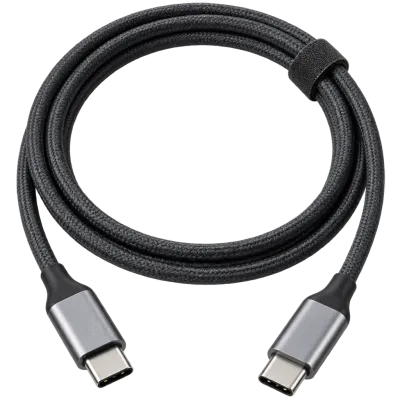
You will not normally need to think about which exact voltage your laptop is using at any given moment, since the negotiation happens automatically and adjusts on its own. The practical takeaway is simply that a laptop capable of very fast charging needs both a charger and a cable rated for the higher EPR voltages, and using an older, lower rated cable will cap the laptop to a slower charging speed even with a fully capable charger at the other end.
 Matching productUSB-C cable 240 WAmazon →
04
Charging from a power bank
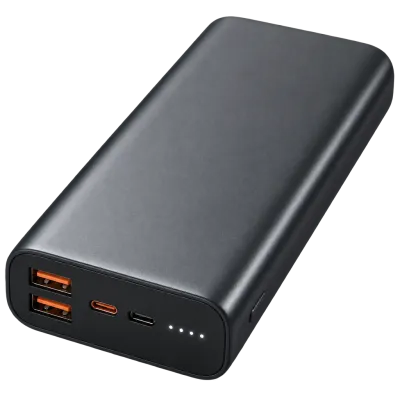
Many USB-C power banks can charge a laptop, provided the power bank itself supports a high enough Power Delivery output. A power bank rated only for phone charging, typically in the 10 to 20 W range, will not meaningfully charge a laptop and may only slow its rate of battery drain during light use.
Laptop capable power banks usually advertise a specific Power Delivery wattage, often 45 W, 65 W, or higher. See our guide to choosing a power bank for more on capacity and output ratings, including how much energy is actually available after conversion losses.
Charging a laptop from a power bank also uses up its stored energy far faster than charging a phone would, since laptops draw so much more power. A power bank that comfortably tops up a phone several times over might only give a laptop a single partial charge, which is worth keeping in mind when planning for travel or a day away from a wall outlet.
 Matching productPower bank 20,000 mAhAmazon →
05
Charging from a monitor or dock
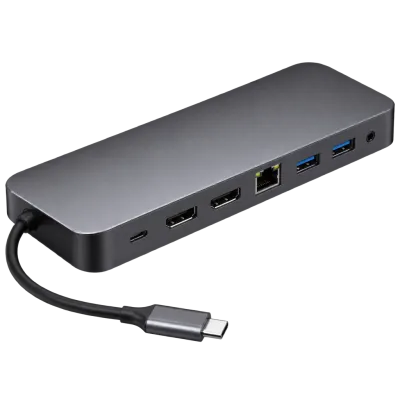
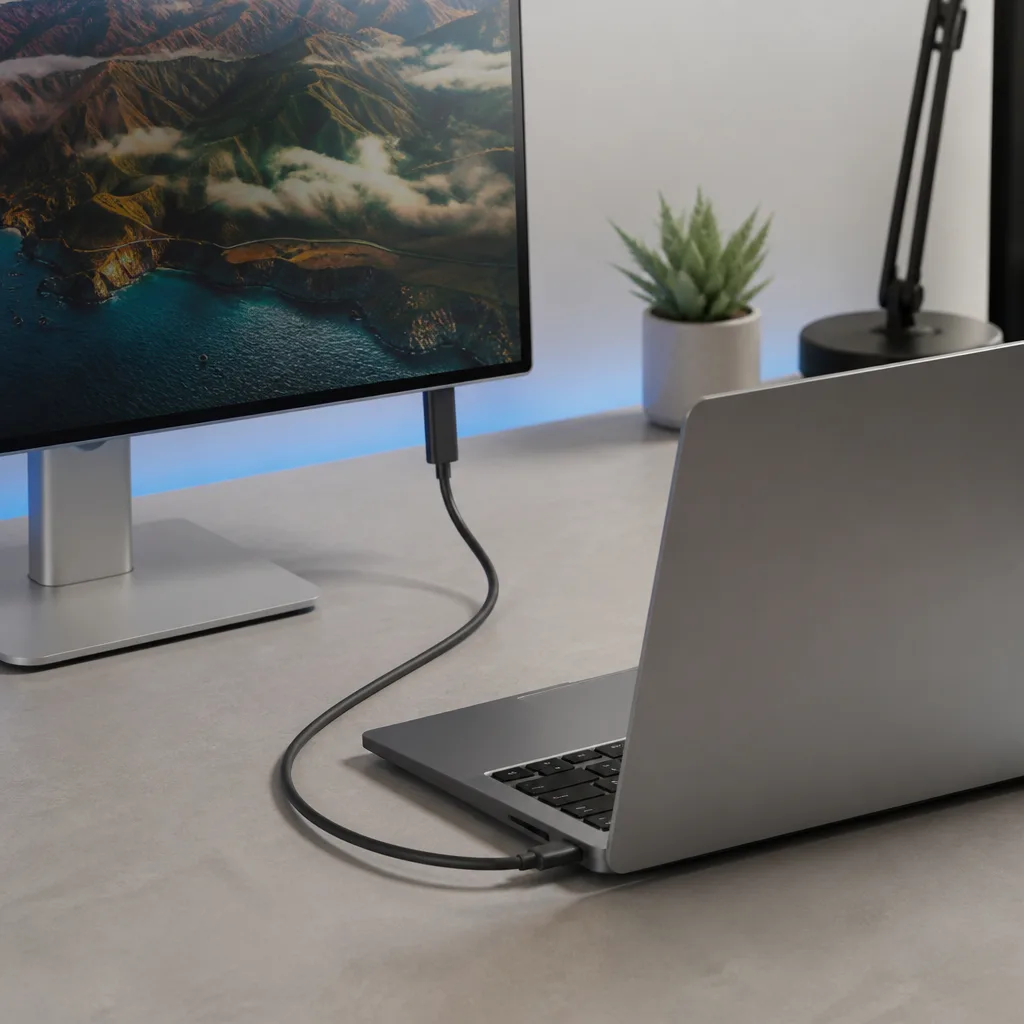
Many USB-C monitors and docking stations can charge a connected laptop through the same single cable that also carries video and data, which is a popular way to simplify a desk setup with one cable instead of several. The monitor or dock's built-in power supply determines the maximum wattage it can pass to the laptop, and this figure is usually listed in its specifications.
If a monitor or dock offers less power than a laptop draws under full load, the laptop can still work normally, but its battery may slowly drain during intensive tasks even while connected. This is normal behaviour rather than a fault, and simply reflects the power budget available through that single cable.
Docks and monitors that pass power through to a laptop generally list this figure separately from their own power consumption, since the two are not the same thing. A monitor might use relatively little power itself while still being able to offer a healthy amount to a connected laptop, or the other way around, so it is worth checking the specific charging figure rather than assuming it from the monitor's size or price.
 Matching productUSB-C docking stationAmazon →
06
Practical limits to keep in mind
Not every USB-C cable or port supports high power charging. Charging above 3 A generally requires an e-marked cable, and reaching the higher EPR voltages needs a cable and charger both rated for it. A laptop may also limit its own peak performance while running on a lower wattage charger, even though it will still charge, just more slowly.
When buying a new charger, cable, or power bank for a laptop, matching the wattage to the laptop's own charging specification is the single most useful thing to check, more so than any other single feature.
It is also useful to remember that temperature affects charging speed. Many laptops slow down charging when they are running hot, whether from a demanding task, a warm room, or being tucked inside a bag while plugged in. This is a built-in protection rather than a fault, and giving the laptop some airflow usually restores normal charging speed.
07
Frequently asked questions
Can I charge my laptop with a phone charger?
Only if the phone charger's wattage is high enough, which is often not the case. A phone charger rated at 20 or 30 watts will typically charge a laptop very slowly, if at all, during use.
Will a more powerful charger damage my laptop?
No. The laptop only requests the power level it needs during negotiation, so a higher wattage charger than required is generally safe to use.
Why does my laptop charge slowly through my monitor?
The monitor's built-in power supply may offer less wattage than the laptop's charger does, which is a normal limit of that particular monitor rather than a fault.
Do all USB-C cables support laptop charging speeds?
No. Only cables rated for the required current and, for the highest power levels, the higher EPR voltages will support full speed laptop charging.
Explore
Read next
 USB Standards and Speeds Explained: USB 1.0 to USB4 Version 2.0A complete overview of USB versions and speeds, from USB 1.0 to USB4 Version 2.0, including the confusing renaming of USB 3.x.
 USB Connector Types Explained: Type-A to USB-CA guide to every USB connector type, from Type-A and Micro-USB to USB-C, which devices use which, and how adapters bridge between them.
 How USB-C Charging Works: Power Delivery, PPS and EPR ExplainedA clear explanation of USB-C charging: Power Delivery negotiation, PPS, Extended Power Range, cable current limits, and common reasons for …