
6 min read
How to Choose a Power Bank: Capacity, Output and Airline Rules
What power bank capacity figures really mean, how much energy you actually get, Power Delivery output, pass-through charging, and airline carry rules.
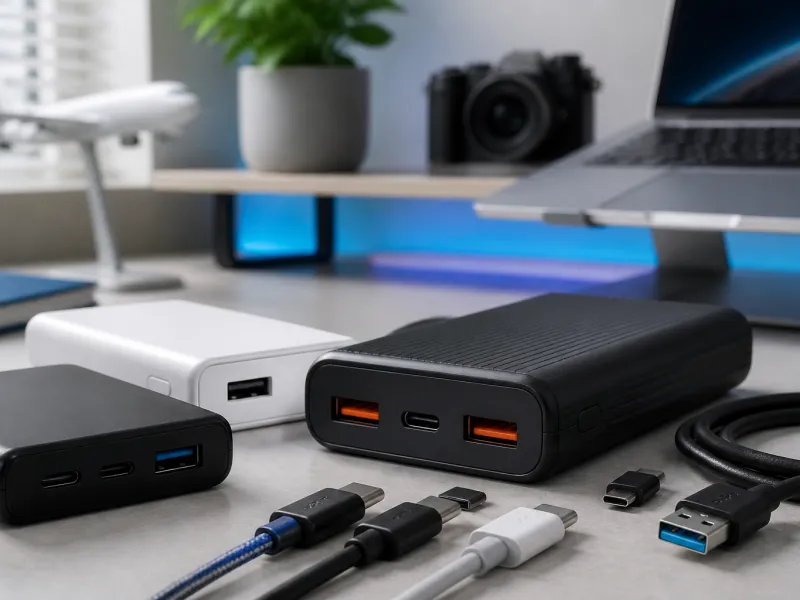
A power bank looks simple: a battery in a case with one or more USB ports. In practice, choosing one that actually suits your devices means understanding a few numbers that are easy to misread, from capacity and real world usable energy to output power and pass-through charging.
This guide covers what capacity figures actually mean, why you rarely get the full advertised capacity in practice, how Power Delivery output affects charging speed, and what airlines generally expect when you travel with a power bank.
01
Capacity: mAh and Wh explained
Power bank capacity is usually printed in milliamp hours, or mAh, which describes how much charge the internal battery can store at its own internal voltage, typically 3.6 or 3.7 V for the battery cells used inside. This is not directly comparable to the capacity of your phone's own battery unless you also know the voltage involved, which is why comparing power banks purely by their mAh figure can be misleading.
Watt hours, or Wh, describe the same stored energy but account for voltage, making it a more directly comparable figure across different products. Converting is straightforward: multiply the mAh figure by the battery's internal voltage, then divide by 1000 to get watt hours. A power bank rated at 10000 mAh, using a typical 3.7 V cell voltage, works out to roughly 37 Wh of stored energy.
Manufacturers sometimes advertise capacity using the internal cell voltage, which produces a larger looking mAh number, while the watt hour figure printed for safety and regulatory reasons uses the actual internal voltage more precisely. This is one reason two power banks with very similar advertised mAh figures can carry noticeably different watt hour ratings once you look closely at the fine print.
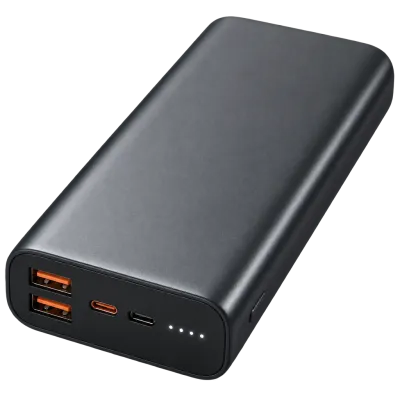 Matching productPower bank 20,000 mAhAmazon →
02
Why you never get the full rated capacity
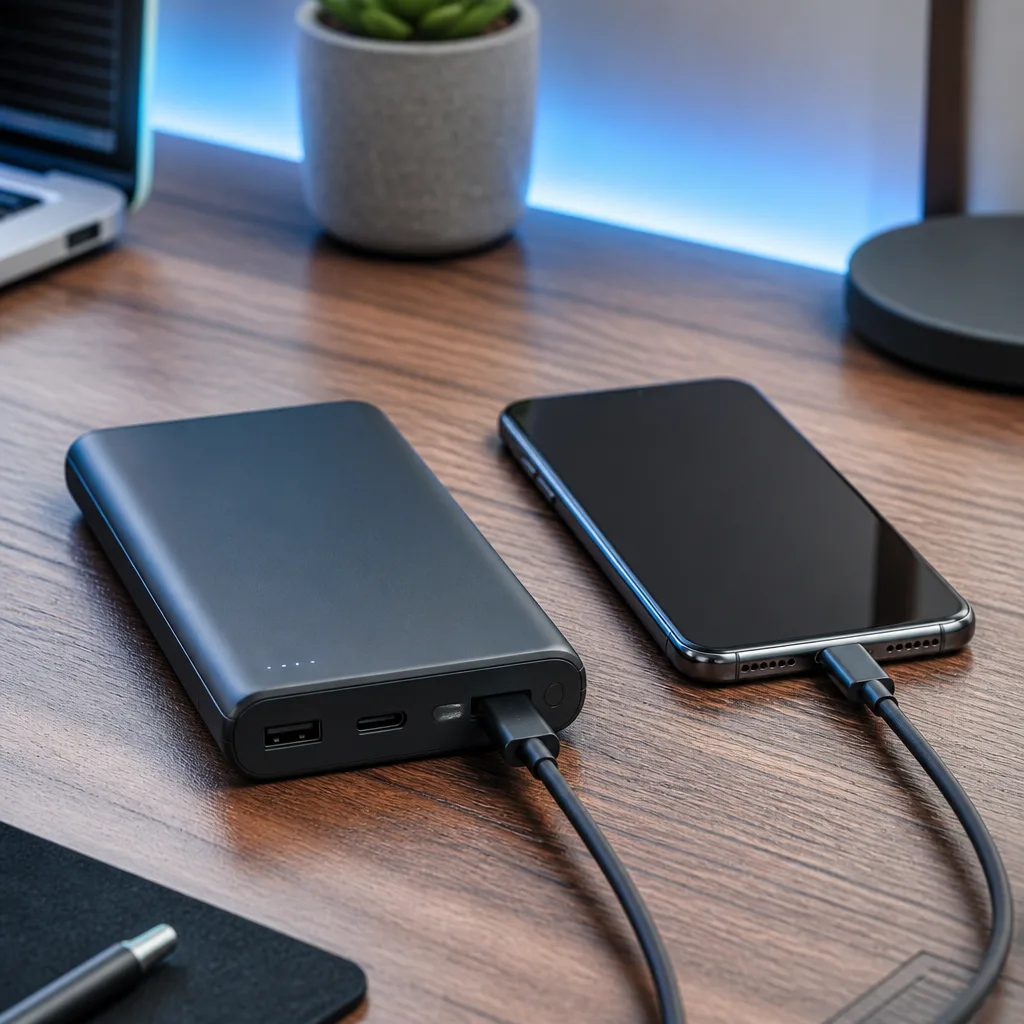
The mAh figure printed on a power bank describes the energy stored inside at the battery's own internal voltage, not the energy actually delivered to your device through its USB port, which typically runs at a higher voltage such as 5 V or more. Converting between these voltages inside the power bank is not perfectly efficient, and some energy is lost as heat during this conversion, as well as during charging and discharging in general.
| Rated capacity | Approximate watt hours | Realistic usable energy after conversion losses |
|---|---|---|
| 5000 mAh | About 18.5 Wh | Noticeably lower once losses are accounted for |
| 10000 mAh | About 37 Wh | Noticeably lower once losses are accounted for |
| 20000 mAh | About 74 Wh | Noticeably lower once losses are accounted for |
As a rough rule of thumb, expecting somewhere around three quarters of the rated watt hour figure to actually be usable is a reasonable, conservative planning assumption, though the exact figure varies between products and how the power bank is used.
This gap between rated and usable capacity is completely normal and applies across the industry, rather than being a sign of a poor quality product. Being aware of it simply helps set realistic expectations, for example understanding that a power bank advertised as good for several full phone charges may deliver noticeably fewer in everyday, real world use.
03
Power Delivery output and charging speed
Capacity tells you how much energy a power bank stores, but its Power Delivery output rating tells you how fast it can deliver that energy to a device. A power bank with a large capacity but a low output rating will still charge devices slowly, since the output rating, not the capacity, sets the ceiling on charging speed.
For phones, an output in the region of 18 to 30 W is generally enough for fast charging. For laptops, a much higher output, often 45 W, 65 W, or more, is needed, matching the requirements described in our guide to charging laptops over USB-C. Some higher end power banks also support Programmable Power Supply, allowing finer, more precise voltage adjustments during charging for devices that specifically look for it.
04
Pass-through charging
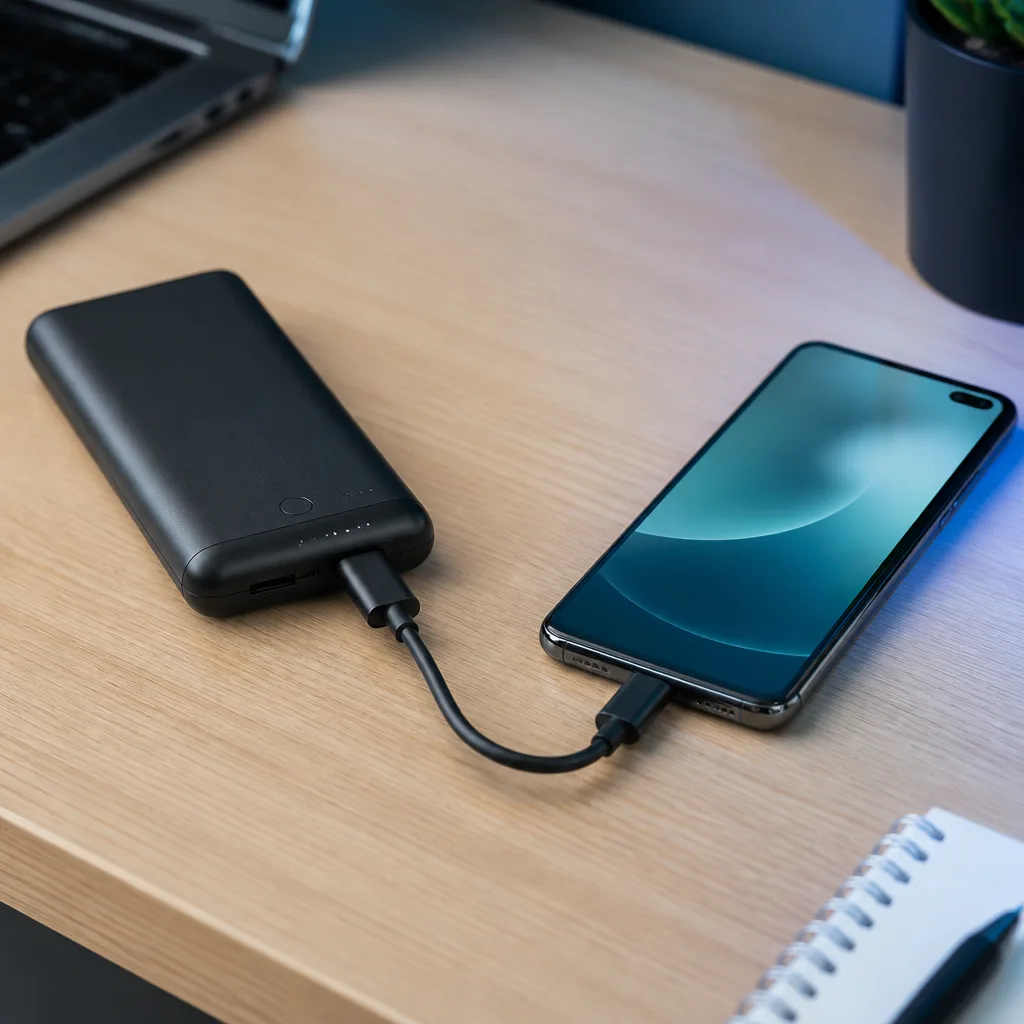
Pass-through charging lets a power bank charge a connected device while the power bank itself is simultaneously being charged from a wall outlet, useful for topping up both a power bank and a phone overnight, or keeping a device powered while the power bank recharges during the day. Not every power bank supports this cleanly, and on some models, pass-through charging can generate extra heat or reduce the overall battery lifespan slightly over time if used very frequently.
Checking a power bank's specifications, or its manual, for explicit mention of pass-through support is worthwhile if this is a feature you plan to rely on regularly, rather than assuming every power bank handles it the same way.
05
Extended Power Range power banks
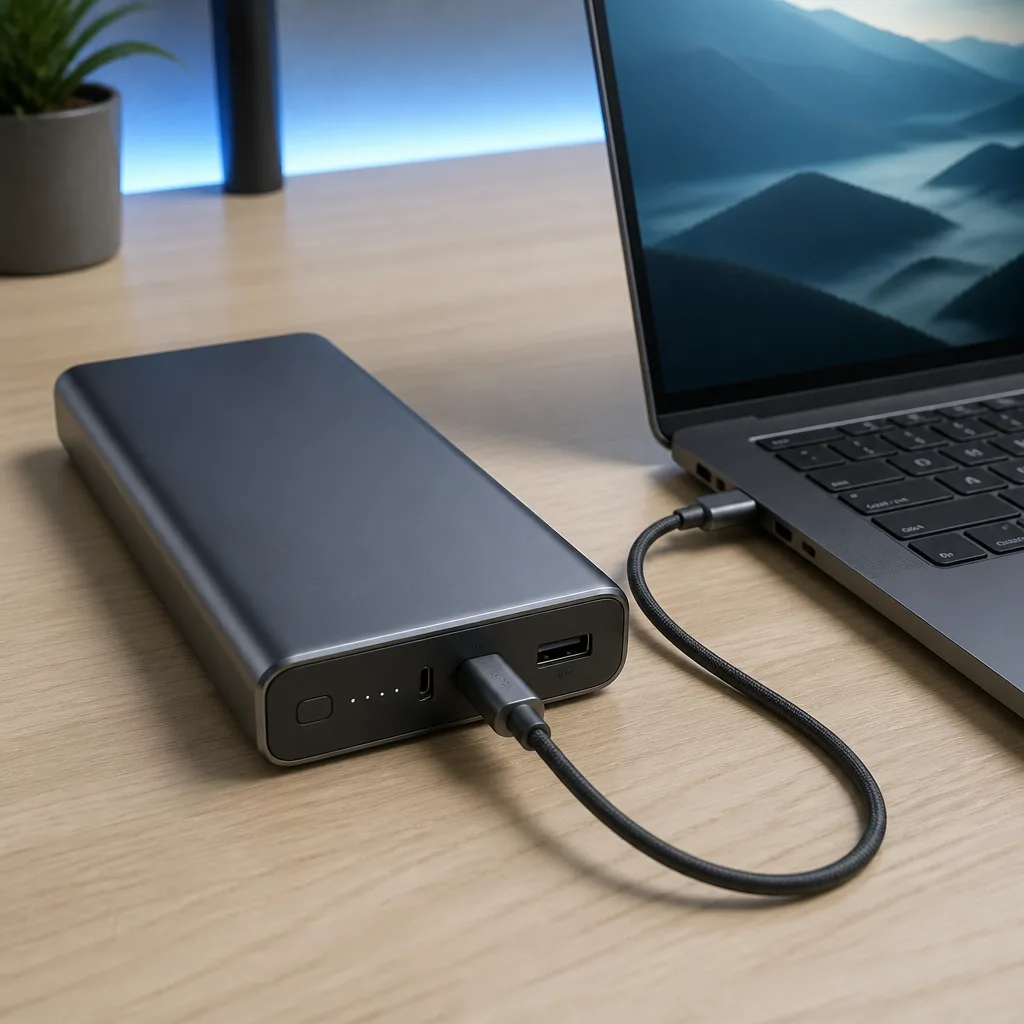
Some larger power banks now support the higher voltage Extended Power Range tiers, up to 48 V, allowing them to output significantly more power for demanding laptops. These power banks are generally larger and heavier than phone focused models, reflecting the larger battery needed to store and deliver that much energy, and are aimed specifically at people who regularly need to charge a power hungry laptop away from a wall outlet.
06
Number of ports and charging multiple devices
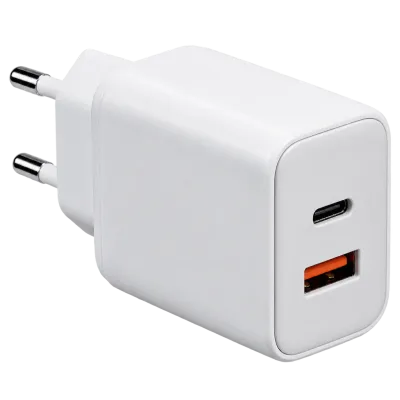
Many power banks include more than one output port, letting you charge a phone and a pair of earbuds at the same time, for example. As with wall chargers, described in our charger guide, using multiple ports at once usually means sharing the power bank's total output between them, so charging several devices together will generally be slower for each one than charging a single device on its own.
 Matching productGaN charger 65 WAmazon →
07
Airline rules for carrying power banks
Airlines generally regulate power banks based on their watt hour rating rather than their mAh figure, which is one more reason understanding the mAh to Wh conversion is genuinely useful before travelling. As a general pattern seen across many airlines, a power bank rated under 100 Wh is usually allowed in cabin baggage, while stricter rules or a limit on the number of units often apply above that figure, and very high capacity units may not be permitted at all.
Because exact rules can vary between airlines and countries, and can change over time, checking the specific airline's current policy before a trip is the safest approach, particularly when travelling with a larger power bank intended for laptop charging. Power banks are also generally required to be carried in cabin baggage rather than checked luggage, reflecting general battery safety practices in air travel.
It is also worth checking whether a power bank's watt hour rating is printed directly on the device itself, since some airline staff and security checks look for this figure on the product rather than relying on packaging or a receipt, particularly for larger capacity units.
08
Frequently asked questions
Why does my power bank charge my phone fewer times than the mAh figure suggests?
This is expected, and comes down to voltage conversion losses and the difference between your phone's battery voltage and the power bank's own internal battery voltage, not a fault with the product.
Is a higher mAh number always better?
Not necessarily on its own. Output wattage, port count, and physical size and weight all matter alongside raw capacity, depending on what devices you actually plan to charge.
Can I bring any power bank on a flight?
Most power banks under the commonly cited 100 Wh threshold are generally accepted in cabin baggage, but always check the specific airline's current rules before travelling, especially for larger units.
Does leaving a power bank plugged in all the time damage it?
Extended time at a full charge, and frequent heat from pass-through use, can gradually affect battery lifespan over the long term, though this effect is generally gradual rather than sudden.
Explore
Read next
 USB Standards and Speeds Explained: USB 1.0 to USB4 Version 2.0A complete overview of USB versions and speeds, from USB 1.0 to USB4 Version 2.0, including the confusing renaming of USB 3.x.
 USB Connector Types Explained: Type-A to USB-CA guide to every USB connector type, from Type-A and Micro-USB to USB-C, which devices use which, and how adapters bridge between them.
 How USB-C Charging Works: Power Delivery, PPS and EPR ExplainedA clear explanation of USB-C charging: Power Delivery negotiation, PPS, Extended Power Range, cable current limits, and common reasons for …