
6 min read
USB On-The-Go on Phones and Tablets: A Practical Guide
How USB On-The-Go turns a phone or tablet into a host for flash drives, keyboards, cameras and more, plus reverse charging and file system compatibility.
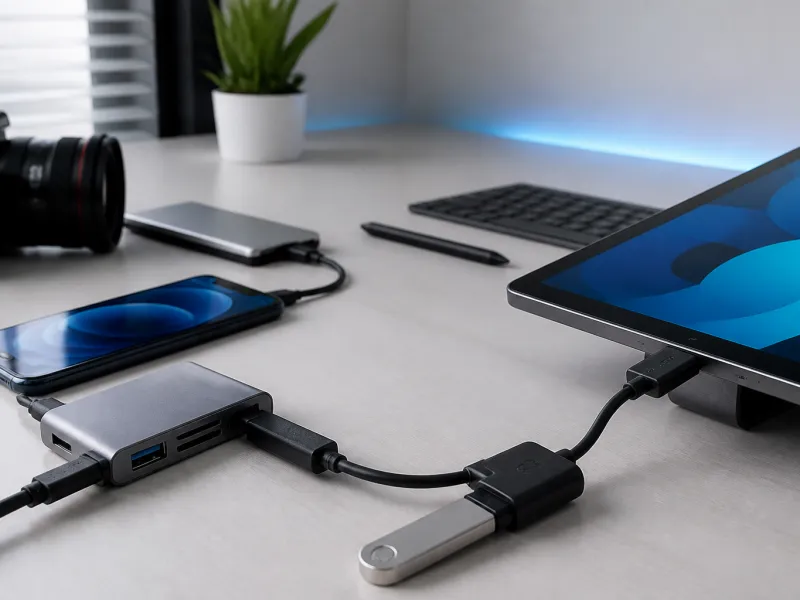
Phones and tablets are not limited to charging and syncing with a computer. Using a feature called USB On-The-Go, a phone can act as a host itself, letting you plug in a flash drive, a keyboard, a camera, or other accessories directly, without needing a computer in between at all.
This guide explains how OTG works in practice, what kinds of accessories it supports, and where its limits are, including reverse charging and how phones handle different file systems.
01
What USB On-The-Go actually does
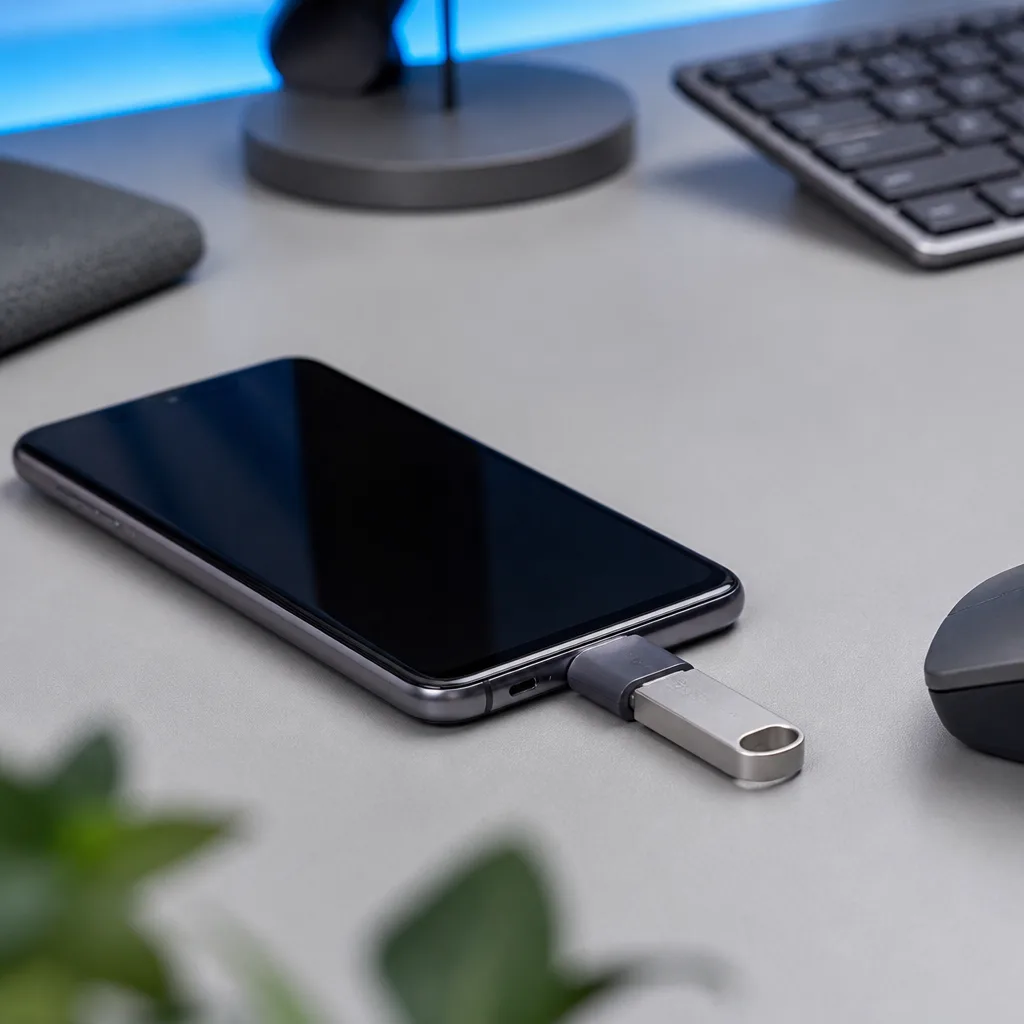
USB On-The-Go, usually shortened to OTG, allows a device that would normally act only as a USB device, such as a phone, to instead act as a USB host, the role normally played by a computer. This is what makes it possible to plug a flash drive, a mouse, or a game controller directly into a phone's USB-C port and have it work, rather than the phone only ever being the thing that gets plugged into something else.
Most modern phones and tablets support OTG functionality through their USB-C port, though very old or very basic devices may not. Some phones may also require a specific cable or a small adapter to expose OTG functionality properly, since not every cable is wired to support it, even when the phone itself is capable.
From the accessory's point of view, very little changes compared with being plugged into a computer. A flash drive or keyboard generally has no way of knowing whether it is connected to a phone acting as a host or to a full computer, since the same underlying USB standards apply either way.
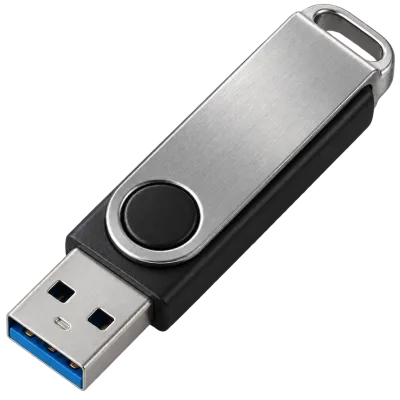 Matching productUSB flash driveAmazon →
02
Connecting flash drives and external storage
Plugging a flash drive or an external drive into a phone with OTG support generally lets you browse and copy files directly using the phone's own file management app, without needing a computer as a middle step. This is useful for quickly viewing photos from a camera's memory card, backing up files while travelling, or moving large files between a phone and a drive without relying on cloud storage or a network connection.
See our guides to USB flash drives and external SSDs for more on choosing storage that works well with phones and tablets as well as computers.
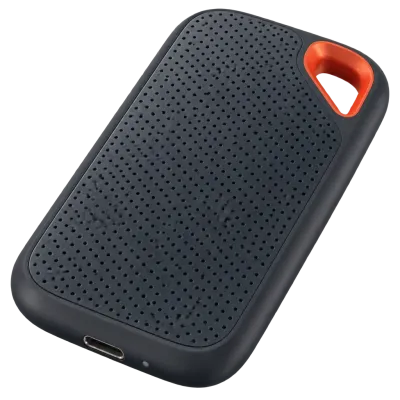 Matching productExternal SSDAmazon →
03
Keyboards, mice and game controllers
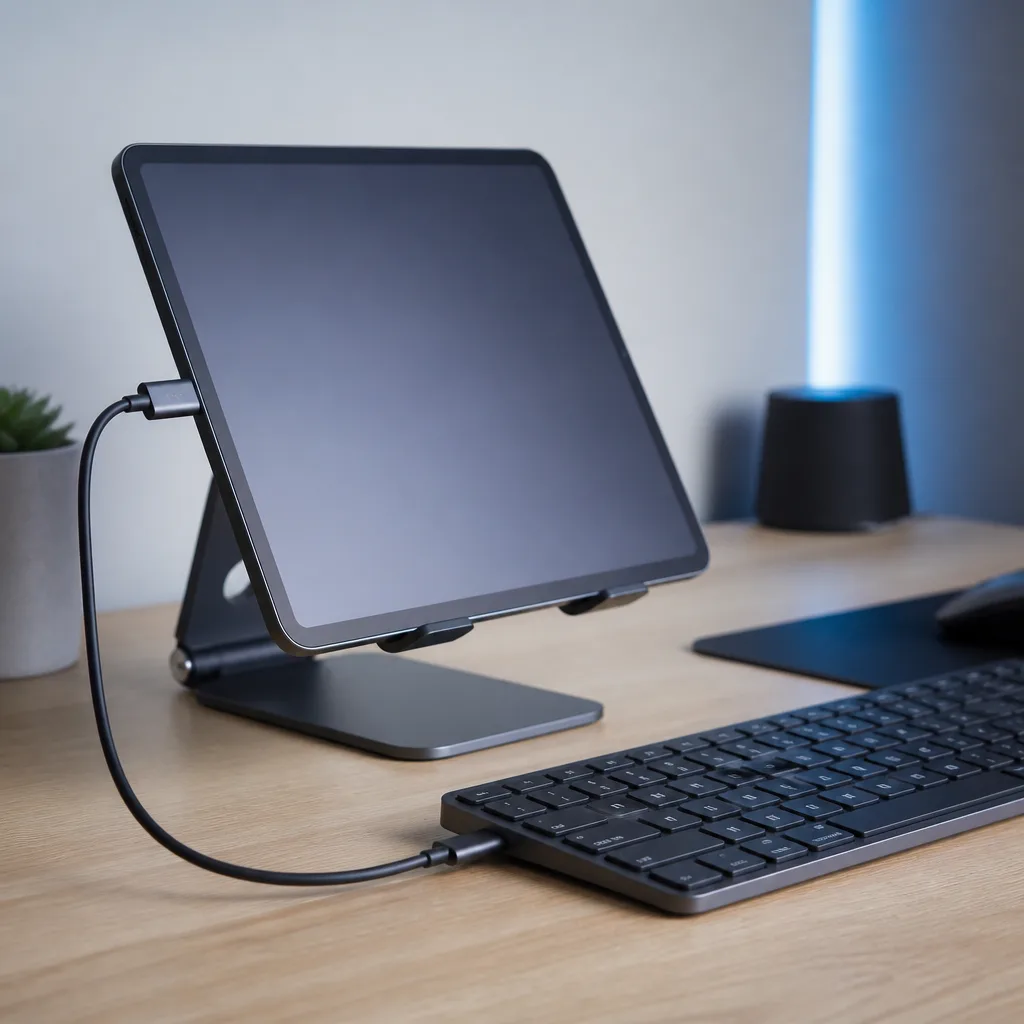
Beyond storage, OTG also supports standard input devices recognised under the HID, or Human Interface Device, class, which covers keyboards, mice, and many game controllers. This makes it possible to type more comfortably on a tablet using a real keyboard, or to play a game on a phone with a proper controller instead of a touchscreen, all through the same OTG connection used for storage devices.
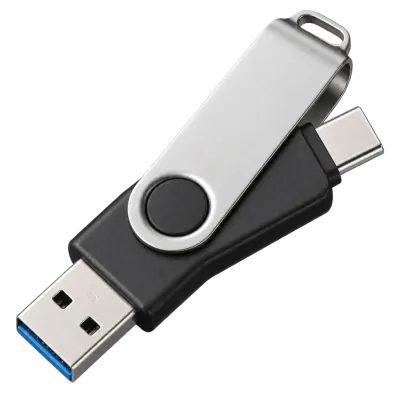 Matching productDual USB-C/A flash driveAmazon →
04
Cameras and other accessories
Many digital cameras can connect to a phone or tablet through OTG as well, either for direct file transfer or, on some camera and phone combinations, to use the phone as an external monitor or remote control for the camera. Support for this varies significantly between camera and phone models, so checking both devices' own documentation is the most reliable way to know what is possible with a specific pairing.
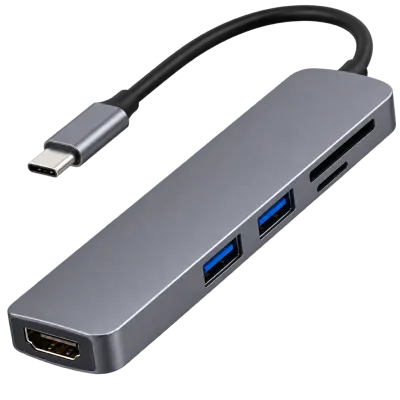
Some phones can also connect to a network adapter, a card reader, or a small hub through OTG, letting several accessories be used at once through a single port. Since a phone typically has only one USB-C port, a hub is often the practical way to combine, for example, a keyboard and a flash drive during the same session.
 Matching productUSB-C hubAmazon →
05
Reverse charging
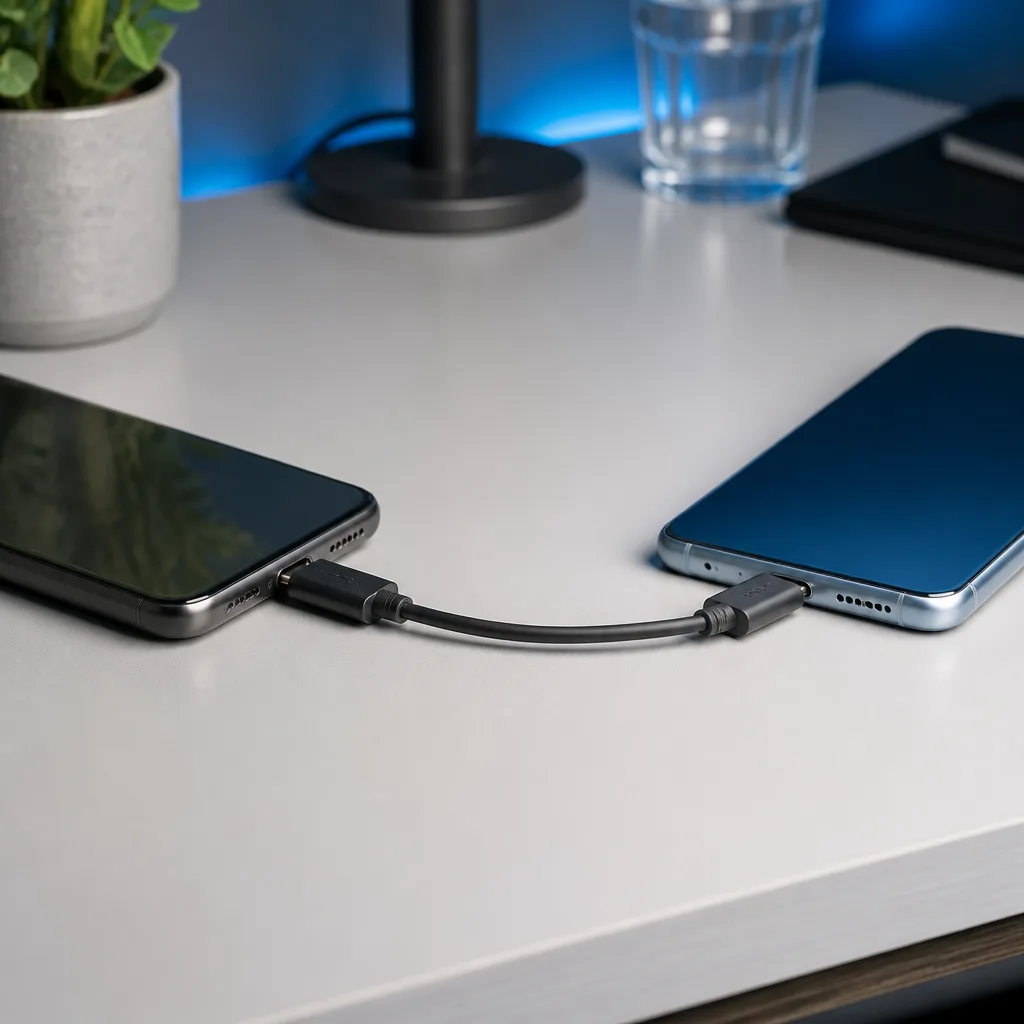
Reverse charging lets a phone send power out through its USB-C port instead of only receiving it, effectively letting one phone charge another, or letting a phone top up a pair of USB-C earbuds directly. This relies on the phone's own hardware being designed to support power output, not every phone offers this, and even where it is supported, the amount of power sent out is typically modest compared with a dedicated charger.
| Accessory type | USB class typically used |
|---|---|
| Flash drive or external drive | Mass storage |
| Keyboard, mouse, game controller | HID |
| Camera | Mass storage or a camera specific class, depending on the model |
| Another phone or small accessory being charged | Power output through reverse charging |
06
File systems and compatibility
When connecting a drive to a phone, the file system the drive is formatted with affects whether it can be read, and whether files can be written to it as well as read from it. exFAT is widely supported across phones, tablets, and computers, making it a practical, cross-platform choice for a drive that moves between many kinds of devices. Older FAT32 formatted drives are also broadly compatible but limited in maximum file size, while drives formatted with a computer's own native file system may only be readable, or not recognised at all, when connected directly to a phone.
If a drive is not being recognised properly on a phone, checking how it is formatted, using the troubleshooting steps in our USB troubleshooting guide, is a sensible first step before assuming the drive or the phone is faulty.
It is also worth noting that some phones limit how large a single connected drive's storage capacity can be, or how it must be partitioned, which is separate from the file system question. Checking a phone's own documentation before relying on a particularly large external drive avoids surprises when travelling or backing up a large photo library.
07
Security considerations
Because OTG lets a phone treat a connected accessory as trusted hardware, it is worth being cautious about plugging unfamiliar drives or accessories from unknown sources into a phone, in the same way you would be cautious with a computer. Our USB security guide covers this in more general terms, including habits that reduce risk when connecting to unfamiliar hardware.
08
Getting the most out of OTG
Keeping a small OTG capable cable or adapter in a bag alongside a phone can turn an ordinary flash drive, brought along for an entirely different purpose, into a quick way to move files without needing a laptop nearby at all. This kind of flexibility is one of the more understated benefits of USB-C's spread across phones, tablets, and everyday accessories alike.
09
Frequently asked questions
Do all phones support USB OTG?
Most modern phones with a USB-C port do, but support is not universal, particularly on older or very basic devices, so checking a specific phone's documentation is worthwhile.
Can I use any USB-C cable for OTG?
Most standard USB-C cables that support data will work, but some very basic charging only cables may not carry the data needed for OTG to function.
Does connecting a drive to my phone drain the battery quickly?
Connected storage does draw a small amount of power from the phone, though the effect is generally modest for typical use such as browsing files or copying a modest number of documents.
Can I charge my phone and use OTG storage at the same time?
Some phones support this through a hub or adapter with a separate charging input, though support varies by phone model, so checking compatibility beforehand is a good idea.
Will OTG work through a USB hub connected to my phone?
In most cases yes, provided the phone supports OTG and the hub itself is a standard USB hub, allowing several accessories to be used through the phone at the same time.
 Matching productUSB-C cable 240 WAmazon →
Explore
Read next
 USB Standards and Speeds Explained: USB 1.0 to USB4 Version 2.0A complete overview of USB versions and speeds, from USB 1.0 to USB4 Version 2.0, including the confusing renaming of USB 3.x.
 USB Connector Types Explained: Type-A to USB-CA guide to every USB connector type, from Type-A and Micro-USB to USB-C, which devices use which, and how adapters bridge between them.
 How USB-C Charging Works: Power Delivery, PPS and EPR ExplainedA clear explanation of USB-C charging: Power Delivery negotiation, PPS, Extended Power Range, cable current limits, and common reasons for …