
5 min read
USB security: BadUSB, juice jacking and safe habits
A USB port can carry more than power. Here are the real risks and the simple habits that guard against them.
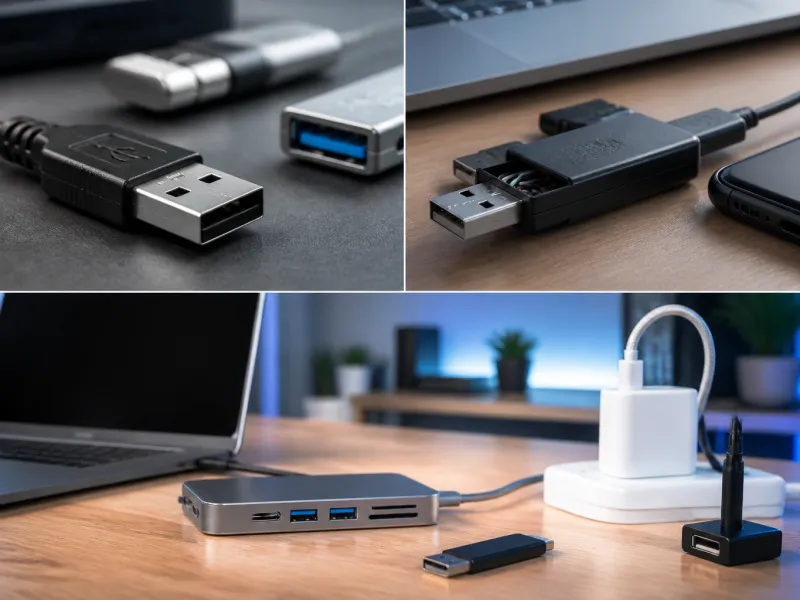
A USB port looks harmless, but it is also a direct line into a computer or phone, and that has made it a target for a handful of well known attacks over the years. Most people will never encounter these in practice, but understanding how they work makes it much easier to develop sensible, low effort habits that carry over to phones, laptops and everyday accessories alike.
This guide covers BadUSB, juice jacking and public charging risks, data blockers, why some companies restrict USB devices, and simple habits that keep everyday USB use safe without requiring any special expertise or constant vigilance.
01
BadUSB: when a device pretends to be something else
BadUSB refers to a class of attack where a USB device's own internal controller is reprogrammed to behave as a different type of device than it appears to be. A device that looks like an ordinary flash drive, for example, can be made to identify itself to the computer as a keyboard instead, and then send a rapid sequence of keystrokes the moment it is plugged in, without ever needing to be opened as a file.
Because this attack works at the level of how the device identifies itself to the computer, rather than through a file that could be scanned, it is difficult for ordinary security software to detect. This is precisely why an unfamiliar USB device found lying around, such as one picked up in a car park or left in a meeting room, should never be plugged into a computer out of curiosity, no matter how ordinary it looks.
 Matching productUSB flash driveAmazon →

02
Juice jacking and public charging
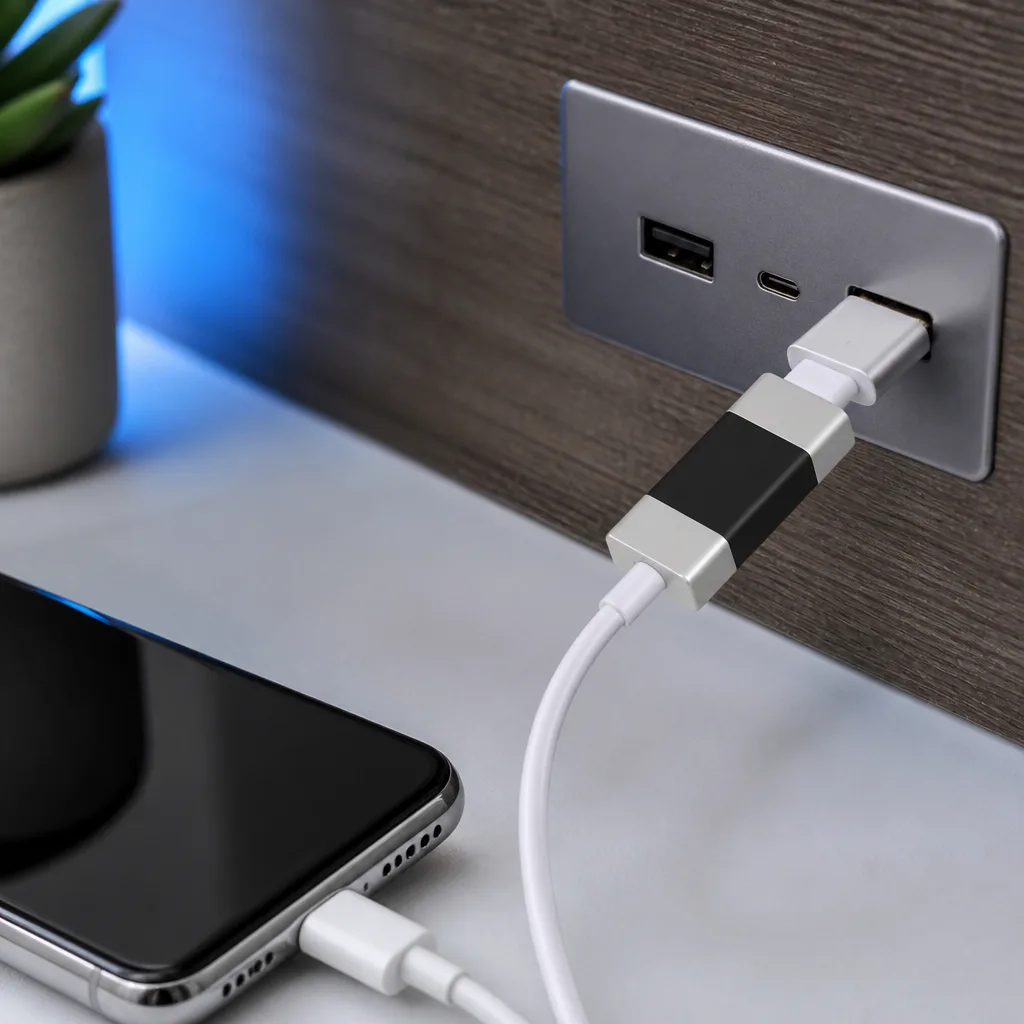
Juice jacking describes the risk that a public USB charging point, such as one found in an airport, cafe or on public transport, could be modified to also attempt to access data on a phone or other device while it charges, since a standard USB port can carry both power and data over the very same connector. In practice, confirmed real world incidents have been rare, but the underlying risk is real enough that several public safety organisations have issued general warnings about it over the years.
A phone that shows a prompt asking whether to trust a connected computer, or offering options such as charging only or file transfer, is displaying exactly the kind of protection built to guard against this scenario, and choosing the charging only option, when offered, is a sensible default at an unfamiliar public port.
 Matching productUSB data blockerAmazon →
03
Data blockers and how they work
A USB data blocker is a small adapter placed between a device and an unfamiliar cable or charging port. It physically allows power to pass through while blocking the data pins inside the USB connector, which removes the possibility of any data exchange entirely, regardless of what the charging point itself might otherwise be capable of.
Data blockers are inexpensive, small enough to keep on a keychain or in a bag, and a straightforward way to remove any uncertainty when charging from a public port whose safety cannot be confirmed, without needing to trust a software prompt or the charging point's own good intentions.
04
Why some companies restrict USB devices
Many organisations set policies that limit or block USB storage devices on work computers, and these policies exist for reasons that go beyond BadUSB style attacks specifically. An unrestricted USB port is also a simple way for data to leave a company network on a personal flash drive, or for malicious software to enter a network from an infected device brought in from outside, bypassing network based security controls entirely.
Where such policies exist, they typically apply through a combination of physical port restrictions, software that only allows approved device types, and rules about which devices staff are permitted to connect. Following a workplace's USB policy, even when it seems inconvenient for a specific task, is generally there to protect against a real and well understood category of risk rather than being an arbitrary restriction.
Some organisations go further and disable USB ports on desktop computers entirely, or issue only approved, centrally managed storage devices to staff who genuinely need portable storage for their work. Others rely on software that recognises approved device identifiers and silently ignores anything else, which allows normal accessories such as keyboards and mice to keep working while blocking unrecognised storage devices without staff needing to change their daily habits at all.
05
Comparing common USB risks
| Risk | What it involves | Simple mitigation |
|---|---|---|
| BadUSB | A device disguises itself as a different device type | Never plug in unfamiliar or found devices |
| Juice jacking | A charging port also attempts data access | Use charging only mode, or a data blocker |
| USB killer devices | A device sends damaging electrical surges | Avoid unfamiliar devices from unknown sources |
| Unrestricted workplace ports | Data leaving or malware entering a network | Follow organisational USB policy |
06
USB killer devices
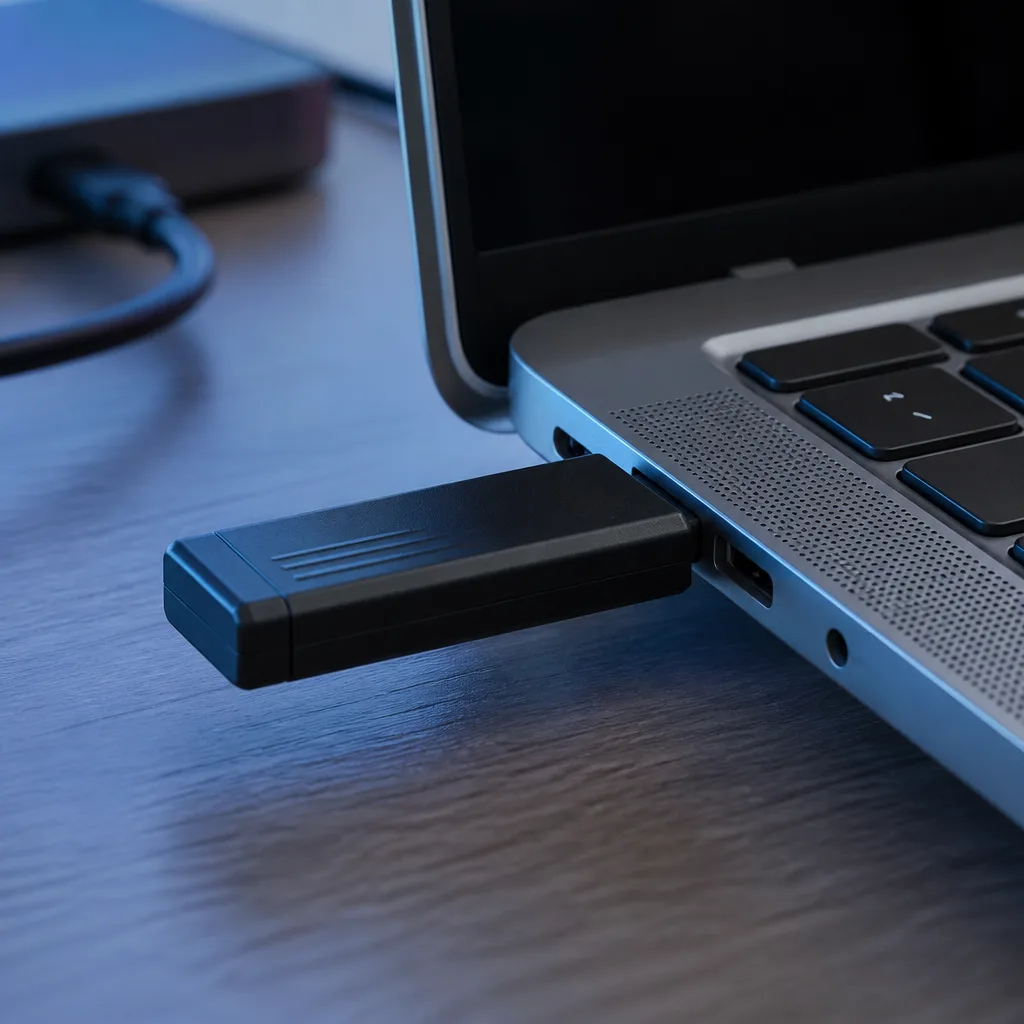
A USB killer is a device built to look like an ordinary flash drive but designed instead to deliberately send a damaging electrical surge into a computer's USB port the moment it is plugged in, intended to physically damage the connected equipment rather than steal data. These devices are a niche, deliberate threat rather than something an ordinary user is likely to encounter by accident, but they are another reason to treat unfamiliar found devices with caution rather than curiosity. Unlike BadUSB, which targets data and behaviour, a USB killer causes physical, often permanent damage to the port and sometimes the wider device, so there is no software fix once it has been triggered.
07
Safe everyday habits
Most USB related risk can be managed with a small set of consistent habits, without needing any special technical knowledge.
- Never plug an unfamiliar USB device found in a public place into a personal or work computer.
- At unfamiliar public charging points, choose a charging only option when a phone offers one, or use a data blocker.
- Keep operating systems updated, since some protections against USB based attacks are built into the software that manages how connected devices are recognised.
- Follow your organisation's USB policy at work, even if it occasionally feels restrictive for a specific task.
- Buy cables and accessories from sources you trust, since a cable's outward appearance reveals nothing about what it does electrically, as covered in our guide to choosing USB cables.
08
Frequently asked questions
Is charging my phone at a public USB port actually dangerous?
Confirmed real world cases are rare, but the underlying risk exists because a standard USB connection can carry both power and data. Choosing a charging only option, when offered, removes the concern entirely.
Can antivirus software detect a BadUSB attack?
Generally not, since the attack works by making a device identify itself as something else, such as a keyboard, rather than through a file that security software would normally scan.
Are USB data blockers worth buying?
They are inexpensive and remove any uncertainty about data access when charging from an unfamiliar public port, so they are a reasonable precaution for frequent travellers.
Why does my workplace block USB flash drives?
Typically to prevent data leaving the organisation on a personal device and to stop malware entering the network from an outside device, both well understood and common risks.
Explore
Read next
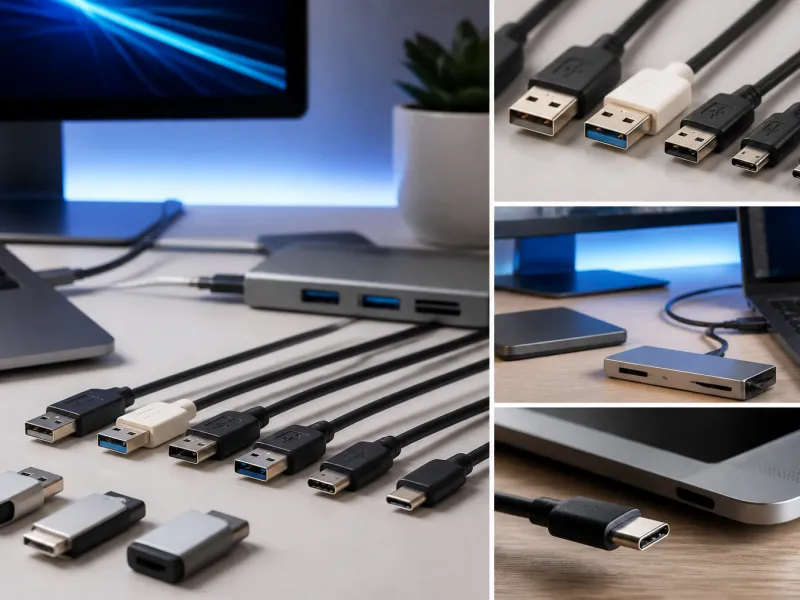 USB Standards and Speeds Explained: USB 1.0 to USB4 Version 2.0A complete overview of USB versions and speeds, from USB 1.0 to USB4 Version 2.0, including the confusing renaming of USB 3.x.
 USB Connector Types Explained: Type-A to USB-CA guide to every USB connector type, from Type-A and Micro-USB to USB-C, which devices use which, and how adapters bridge between them.
 How USB-C Charging Works: Power Delivery, PPS and EPR ExplainedA clear explanation of USB-C charging: Power Delivery negotiation, PPS, Extended Power Range, cable current limits, and common reasons for …