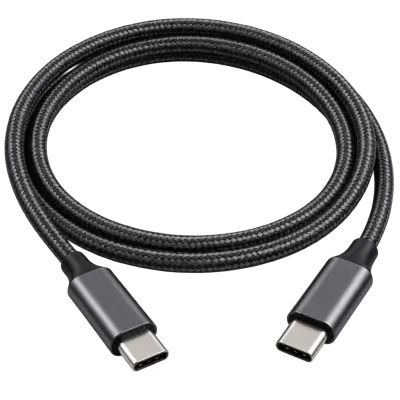
Daisy chaining describes connecting several devices one after another in a series, rather than plugging each one directly into a separate port on the computer. Thunderbolt and USB4 support daisy chaining for compatible devices such as monitors and docks that include a second port to pass the connection onward.
A common example is connecting one Thunderbolt monitor to a laptop, then a second monitor to the first one's pass through port, reducing the number of cables running back to the computer and helping keep a desk setup tidy. Standard USB hubs achieve a broadly similar practical result, though technically through a hub topology rather than true daisy chaining.
Daisy chaining has practical limits, since devices further down the chain share the total available bandwidth, and manufacturers usually specify a maximum number of devices that can be chained reliably. See our USB4 and Thunderbolt guide and our hubs and docks guide for more.