
5 min read
USB Audio Explained: Headsets, DACs, Microphones and Latency
How sound travels over USB, from USB-C headphones and external DACs to microphones and the latency that matters for music and recording.
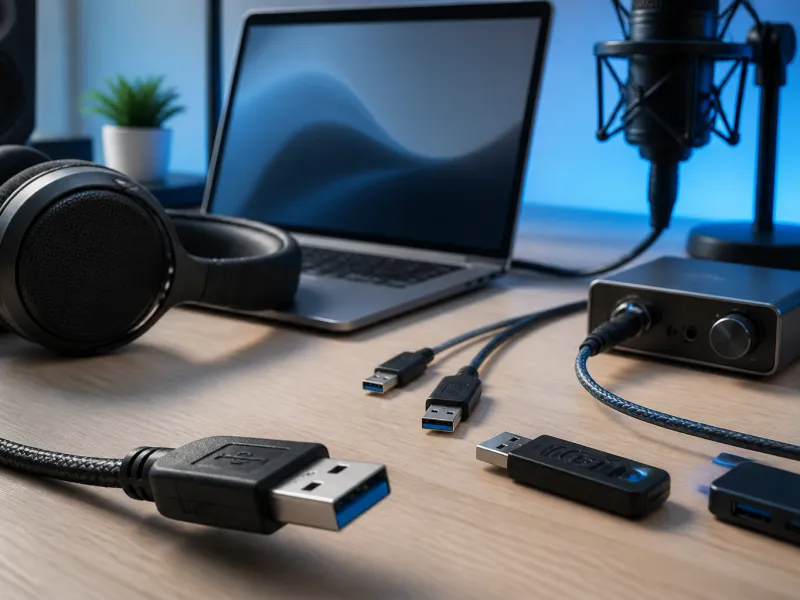
Sound over USB has quietly become the standard way many headsets, microphones, and external sound devices connect to computers and phones. Instead of an analogue signal travelling down a simple wire, USB audio sends sound as digital data, which opens up some useful possibilities but also introduces its own quirks.
This guide covers how USB audio works, what to expect from headsets and DACs, and where latency can become noticeable.
01
What is USB Audio Class
USB Audio Class is a standard way of describing audio devices to a computer or phone, built directly into most operating systems. Because it is a recognised standard rather than a proprietary format, a huge range of headsets, microphones, and audio interfaces work without needing to install any extra software, simply by plugging them in.
This is different from devices that rely on a manufacturer's own driver to unlock advanced features, such as configurable equalisers or multi-channel mixing. Those devices will usually still produce basic sound using the standard class support, with the extra features only available once the dedicated software is installed.
This built-in support is one reason USB audio devices tend to be straightforward to set up across different computers and phones. Moving a USB headset or microphone between two computers with different operating systems will usually give at least basic working sound on both, even without installing anything, which is not always true of devices relying on a proprietary connection.
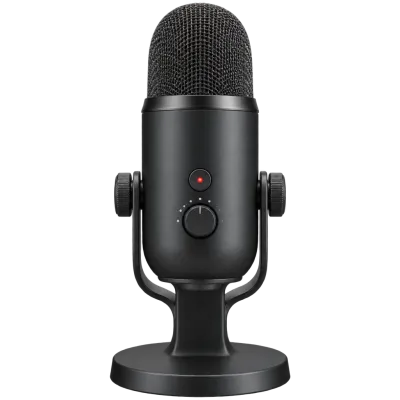 Matching productUSB microphoneAmazon →
02
USB headsets and USB-C headphones
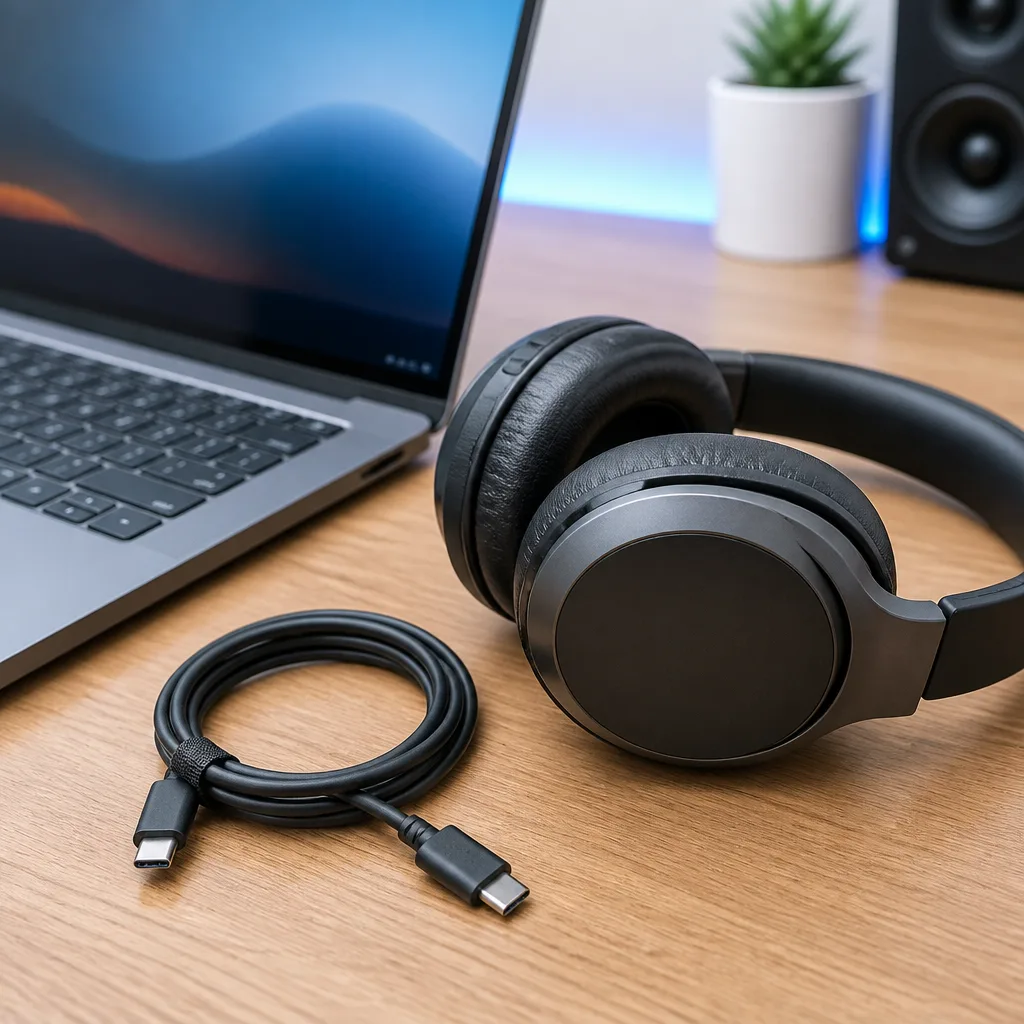
A USB headset or a pair of USB-C headphones typically includes its own small digital to analogue converter, or DAC, inside the headset itself, along with the amplifier that drives the earpieces. This is a change from traditional analogue headphones, which rely entirely on the DAC and amplifier built into the phone or computer.
One practical effect of this is that USB and USB-C headphones tend to sound broadly similar across different computers and phones, since the conversion from digital data to sound happens inside the headphones themselves rather than depending on the quality of the host device's own audio hardware. See our guide to USB On-The-Go on phones for more on how phones handle connected USB accessories generally.
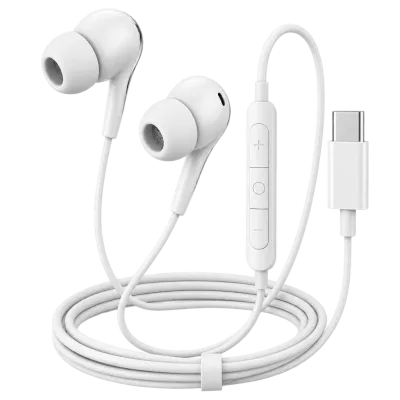 Matching productUSB-C headphonesAmazon →
03
External DACs and audio interfaces
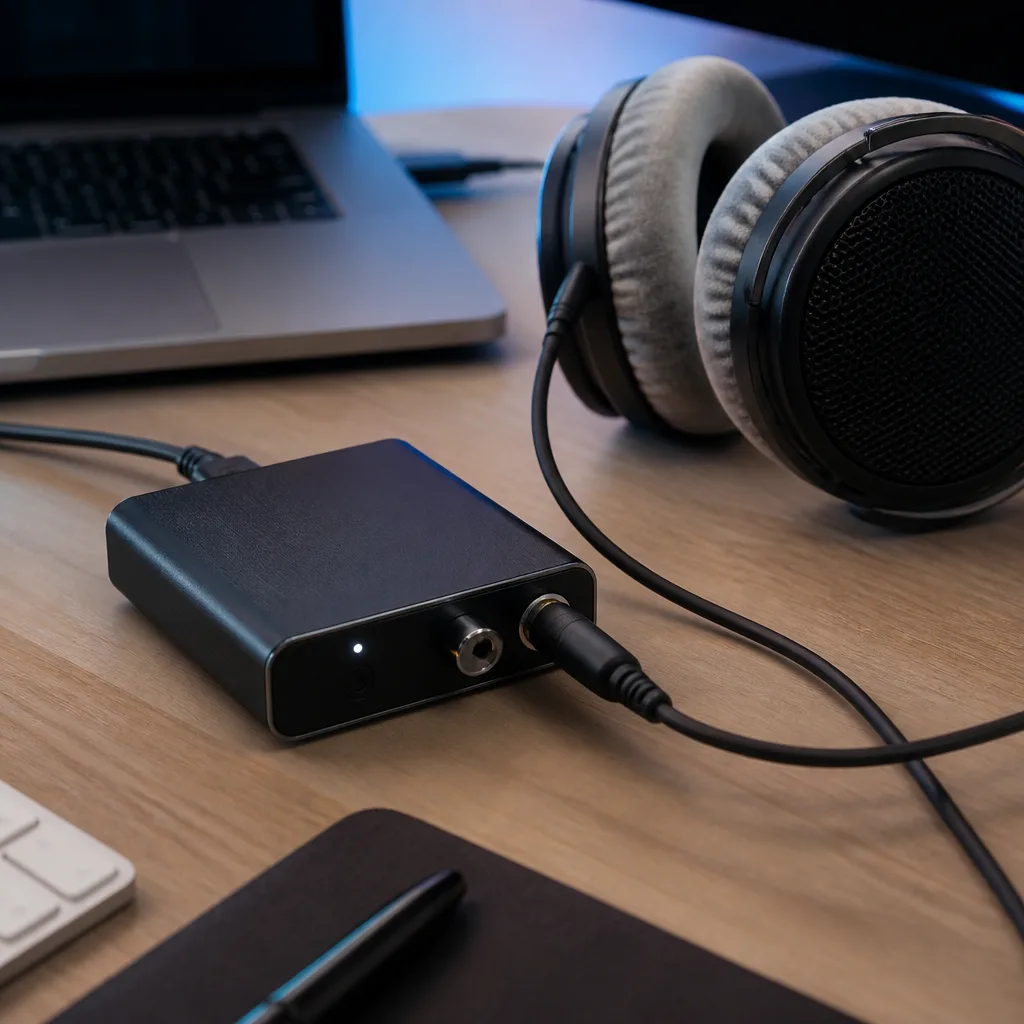
A dedicated external DAC serves a similar purpose to the one built into a USB headset, but as a separate unit that connects to ordinary analogue headphones or speakers. People choose an external DAC when they want to combine specific analogue headphones or speakers with a cleaner or more capable digital to analogue conversion stage than the one built into their computer or phone.
Audio interfaces extend this idea further, typically adding microphone inputs with their own preamplifiers, alongside output DACs, aimed at recording and music production rather than simple listening. Both device types generally work through standard USB Audio Class support, though some advanced models offer extra features through dedicated software.
Some interfaces also include their own headphone output with a dedicated amplifier, aimed at driving headphones that need more power than a typical laptop or phone can supply on its own. This is a common reason people move from a simple USB headset towards a separate interface and analogue headphones, even though both ultimately rely on the same underlying USB Audio Class support.
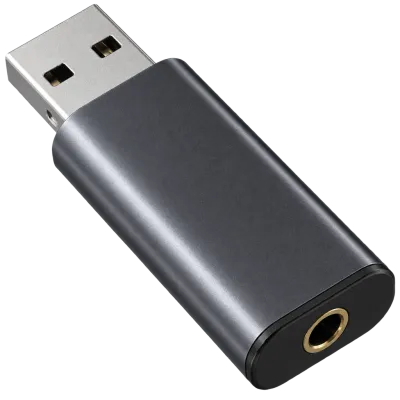 Matching productUSB DACAmazon →
04
Microphones over USB
A USB microphone contains its own analogue to digital converter, turning sound directly into digital data before it reaches the computer. This removes the need for a separate audio interface for simple recording or calls, which is why USB microphones are popular for streaming, podcasting, and video calls.
| Device type | Conversion happens | Typical use |
|---|---|---|
| USB or USB-C headset | Inside the headset | Calls, gaming, everyday listening |
| External DAC | Inside a separate box, feeding analogue headphones or speakers | Higher quality listening setups |
| USB microphone | Inside the microphone | Calls, recording, streaming |
| Audio interface | Inside a dedicated unit with multiple inputs and outputs | Music recording and production |
05
Understanding latency
Latency is the small delay between a sound being generated and it actually being heard, and it matters most for tasks like recording vocals over a backing track or playing a musical instrument through software effects. Because USB audio processes sound in small digital chunks, some delay is unavoidable, though for most people using headsets or listening to music, this delay is far too small to notice.
Latency becomes more noticeable in music production and live performance, where even a small delay can throw off timing. Dedicated audio interfaces are usually designed with this in mind, offering settings to reduce the size of these digital chunks, at the cost of placing more demand on the connected computer.

06
Cables and connection quality
USB audio devices generally need less bandwidth than storage or video, so cable quality is less often a bottleneck for basic use. That said, a damaged or poorly made cable can still introduce dropouts, crackling, or the device disconnecting mid-use, in much the same way as any other USB device. Our guide to USB cables covers what to look for in a reliable cable more generally.
07
Everyday tips for USB audio
If a USB headset, microphone, or DAC is not producing sound, checking that it has been selected as the active audio device in the computer or phone's sound settings is a common first step, since plugging in a new device does not always switch the system over to it automatically. Restarting an application that was already open before the device was connected can also help, since some software only checks for available audio devices when it starts.
If audio sounds distorted, quiet, or unusually noisy, the input or output volume for that specific device is worth checking on its own, separate from the overall system volume, since USB audio devices are usually treated as independent devices with their own volume settings rather than sharing a single system-wide level.
08
Choosing between wired options
When comparing a USB headset, a USB-C headphone, and a traditional analogue pair connected through an adapter, the main practical differences are where the sound conversion happens and how many devices you can plug in without adapters. None of these options is inherently better in every situation, and the right choice usually comes down to what ports your devices offer and whether you already own headphones you want to keep using. Our guide to USB cables is a useful companion if you are also choosing adapters or extension cables for an audio setup.
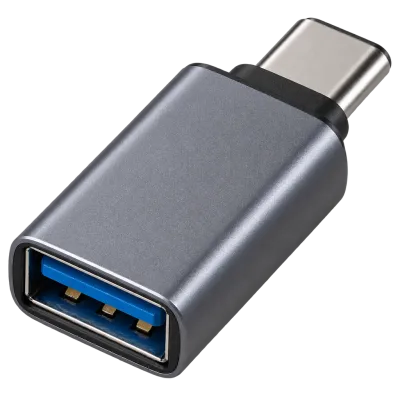 Matching productUSB-C to USB-A adapterAmazon →
09
Frequently asked questions
Do USB-C headphones need their own battery?
No. Most USB-C headphones draw the small amount of power they need directly through the cable, without needing an internal battery of their own.
Is USB audio always better than a traditional headphone jack?
Not automatically. Quality depends on the components inside the specific device, whether USB or analogue, rather than the connection type alone deciding the outcome.
Why does my USB microphone sound different on different computers?
Since the microphone's own conversion hardware does most of the work, differences are more often caused by software settings such as input volume or noise processing than by the computer's own hardware.
Can I use a USB headset for both calls and music at the same time?
This depends on the operating system and the specific application, since some software reserves the audio device exclusively for one purpose while it is active.
Explore
Read next
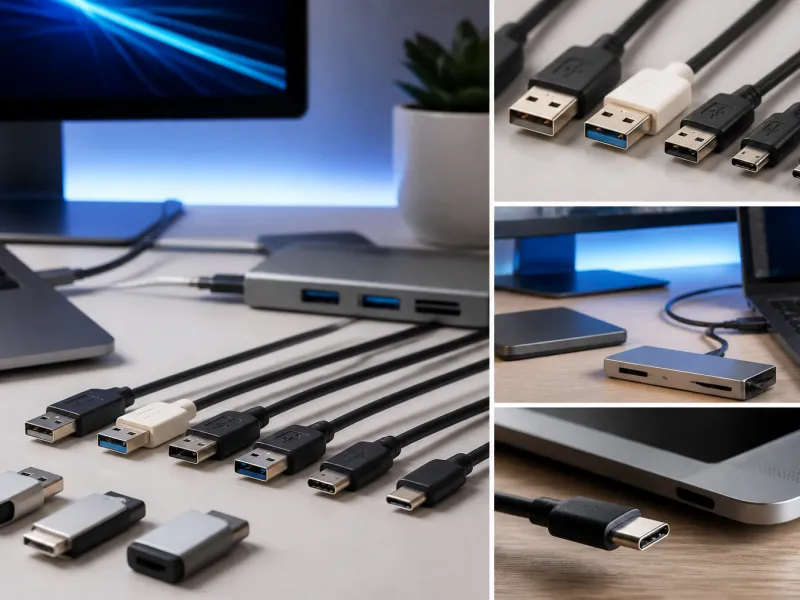 USB Standards and Speeds Explained: USB 1.0 to USB4 Version 2.0A complete overview of USB versions and speeds, from USB 1.0 to USB4 Version 2.0, including the confusing renaming of USB 3.x.
 USB Connector Types Explained: Type-A to USB-CA guide to every USB connector type, from Type-A and Micro-USB to USB-C, which devices use which, and how adapters bridge between them.
 How USB-C Charging Works: Power Delivery, PPS and EPR ExplainedA clear explanation of USB-C charging: Power Delivery negotiation, PPS, Extended Power Range, cable current limits, and common reasons for …