
5 min read
The History of USB: From 1996 to Today
A guided timeline of USB's development, from the original 1996 specification through USB-C to today's USB4 and Power Delivery standards.
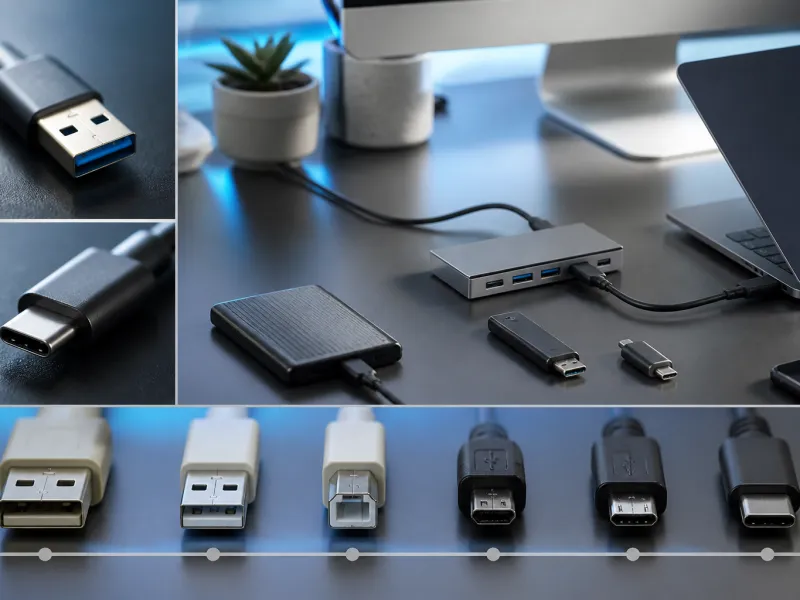
USB was created to solve a very ordinary problem: connecting a computer to a keyboard, a mouse, a printer, or a modem meant juggling several different plugs, each with its own shape and its own rules. Universal Serial Bus set out to replace all of that with one common connector and one common way of talking to devices.
This guide walks through the major milestones from USB's introduction in the mid 1990s to the high speed standards used today, and explains how the technology's speed and power capabilities grew over time.
01
The early years: USB 1.0 and 1.1
The original USB 1.0 specification was released in 1996, offering two speed modes: Low Speed for simple devices like keyboards and mice, and Full Speed for slightly more demanding devices. USB 1.1, published in 1998, refined the specification and became the version most widely adopted in the first generation of USB peripherals, gradually replacing older serial and parallel ports on personal computers.
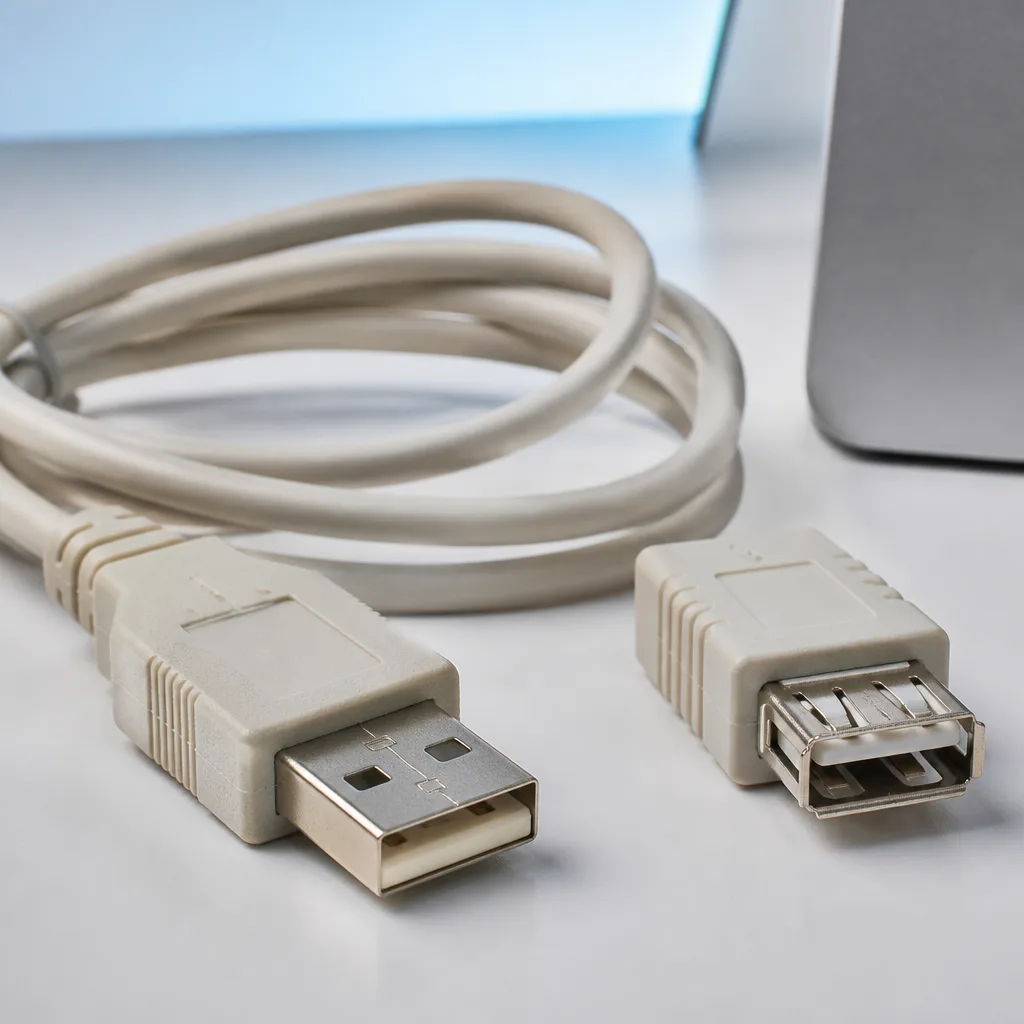
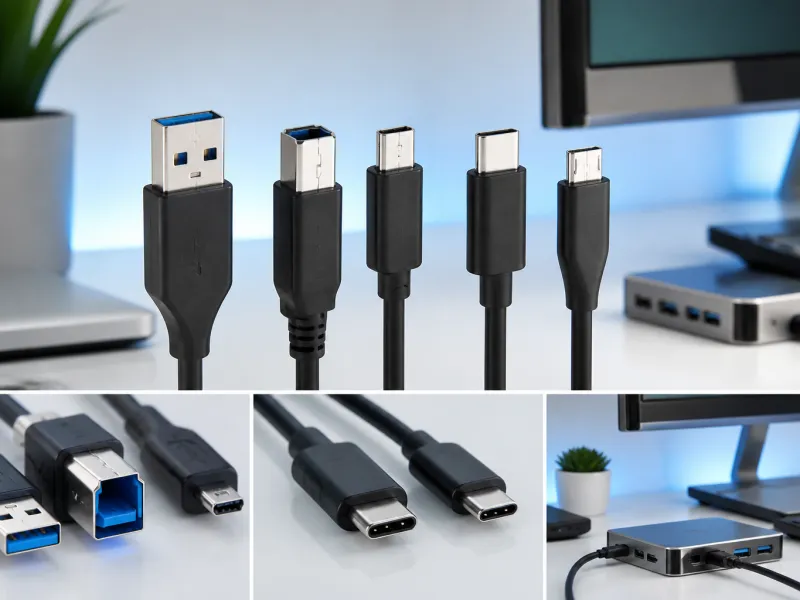
Early USB devices used the connectors now generally known as USB-A and USB-B, sturdy rectangular shapes designed for durability rather than compactness. The USB-IF, the industry group responsible for developing and promoting the USB standard, was formed around this same period to guide the specification going forward.
Alongside USB-A and USB-B, smaller connectors such as Mini-USB and later Micro-USB were introduced to suit compact devices like early digital cameras, MP3 players, and mobile phones, where a full sized USB-B connector would have been impractical. These smaller shapes remained common on portable electronics for many years, even as computers themselves mostly kept the larger USB-A shape.
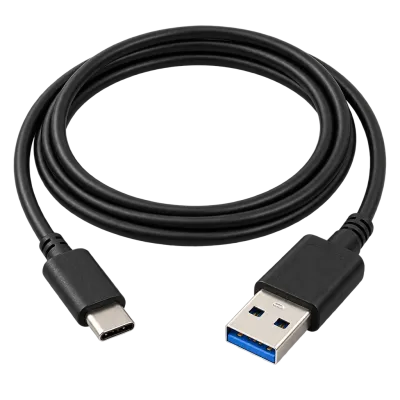 Matching productUSB-C to USB-A cableAmazon →
02
USB 2.0 and High Speed
USB 2.0 arrived in 2000, introducing the High Speed mode with a maximum of 480 Mbit/s, a substantial jump that made USB practical for external storage devices and other data hungry peripherals for the first time. USB 2.0 remained the dominant standard for many years and is still used today for lower demand devices such as keyboards, mice, and many printers, thanks to its wide compatibility.
This generation also popularised USB as a power source, not just a data connection, letting small gadgets such as portable fans, lights, and card readers draw their power directly from a computer's USB port rather than needing a separate battery or power supply of their own.
03
USB 3.0 and the SuperSpeed era
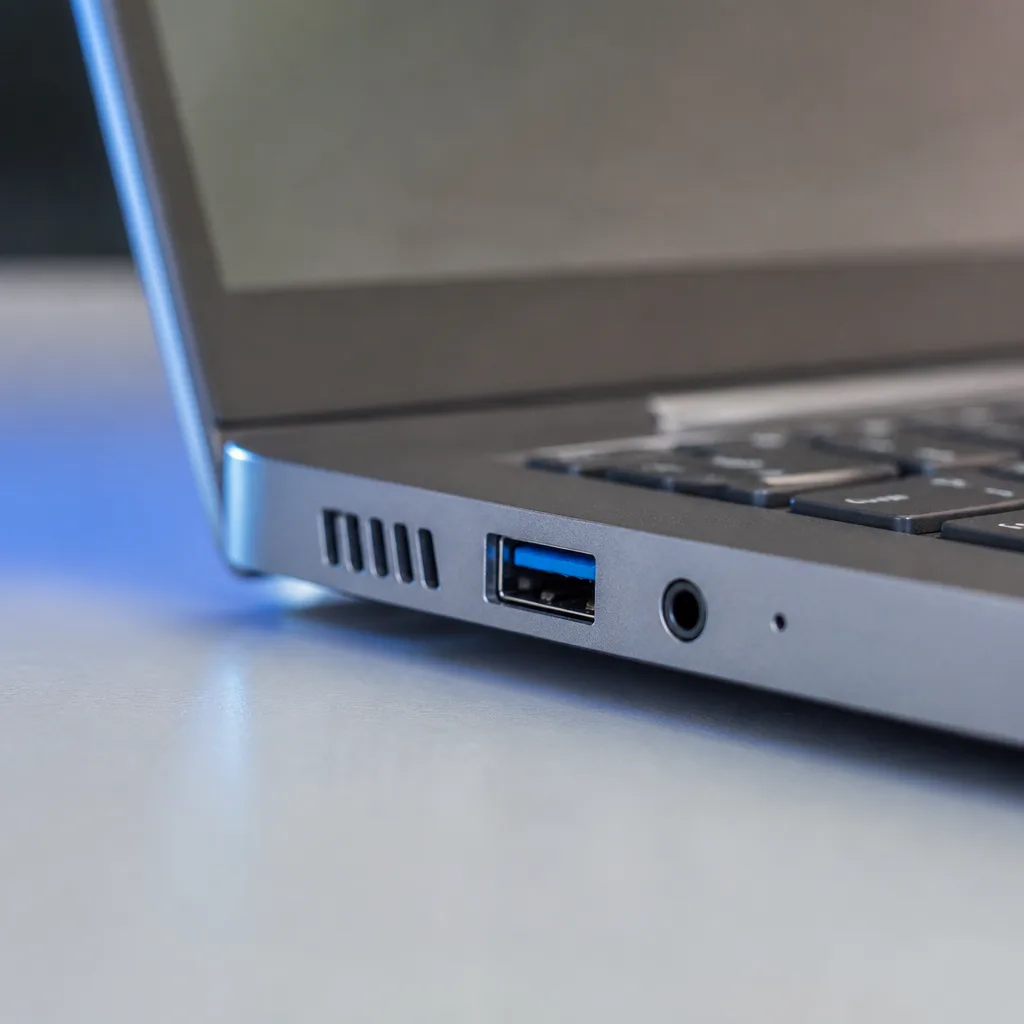
USB 3.0, released in 2008, introduced SuperSpeed at up to 5 Gbit/s, generally identified by a blue connector or port in that era. This generation also introduced the smaller Micro-USB 3.0 connector for mobile devices and external drives, alongside continued support for the older USB-A shape.
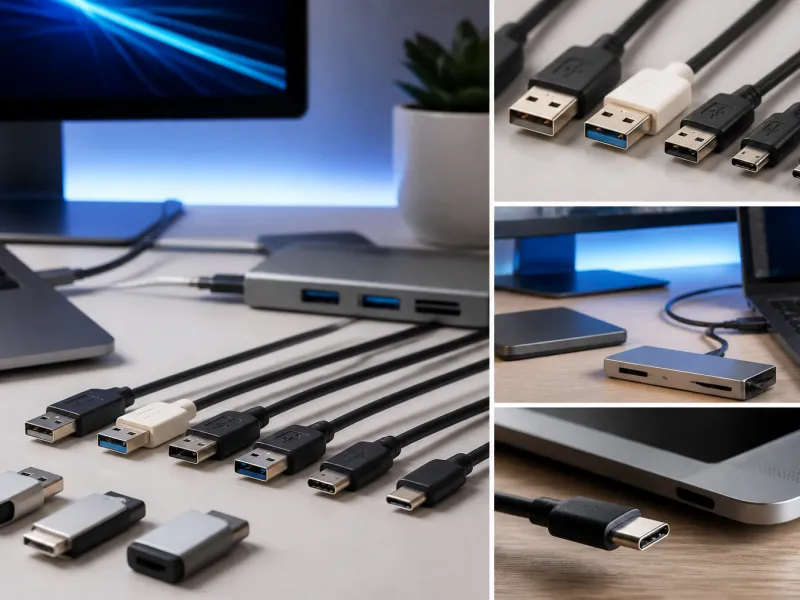
Naming became more complex as the standard evolved further, with later revisions introducing USB 3.1 Gen 2 at 10 Gbit/s and USB 3.2 Gen 2x2 at 20 Gbit/s. The USB-IF eventually introduced simpler marketing names, USB 5Gbps, 10Gbps, and 20Gbps, to describe these same speed tiers in a way that is easier for shoppers to compare. Our guide to USB speeds explained covers this naming history in more depth.
04
The arrival of USB-C
The USB-C connector, standardised in 2014, was designed to solve several problems at once: a small, reversible connector that works the same way whichever side faces up, capable of carrying much higher power than earlier connectors, and flexible enough to carry video and other signals through Alternate Modes. USB-C has since become the standard connector across phones, laptops, tablets, and a growing range of other devices, a shift covered in detail in our USB-C guide.
The transition to USB-C took place gradually over roughly a decade, with laptops and higher end phones adopting it first, followed by a much wider range of everyday electronics. This long transition period is part of why several older connector types remained in shops and in use for so long after USB-C itself was introduced.
05
USB4 and beyond
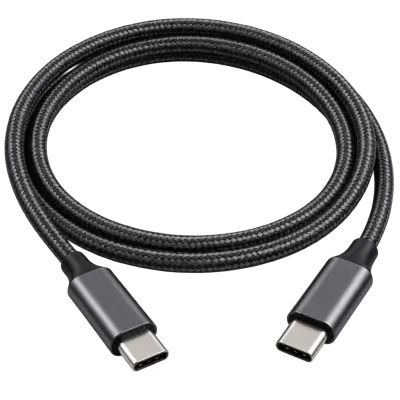
USB4, introduced in 2019, brought USB and Thunderbolt technology closer together, supporting speeds of 20 or 40 Gbit/s depending on the implementation, exclusively over the USB-C connector. USB4 Version 2.0 followed with a further increase to 80 Gbit/s, and up to 120 Gbit/s in an asymmetric configuration that favours one direction of data flow over the other for demanding tasks such as driving very high resolution displays. Our USB4 and Thunderbolt guide explains how these two closely related technologies compare today.
 Matching productUSB4 / Thunderbolt cableAmazon →
06
Power delivery through the years
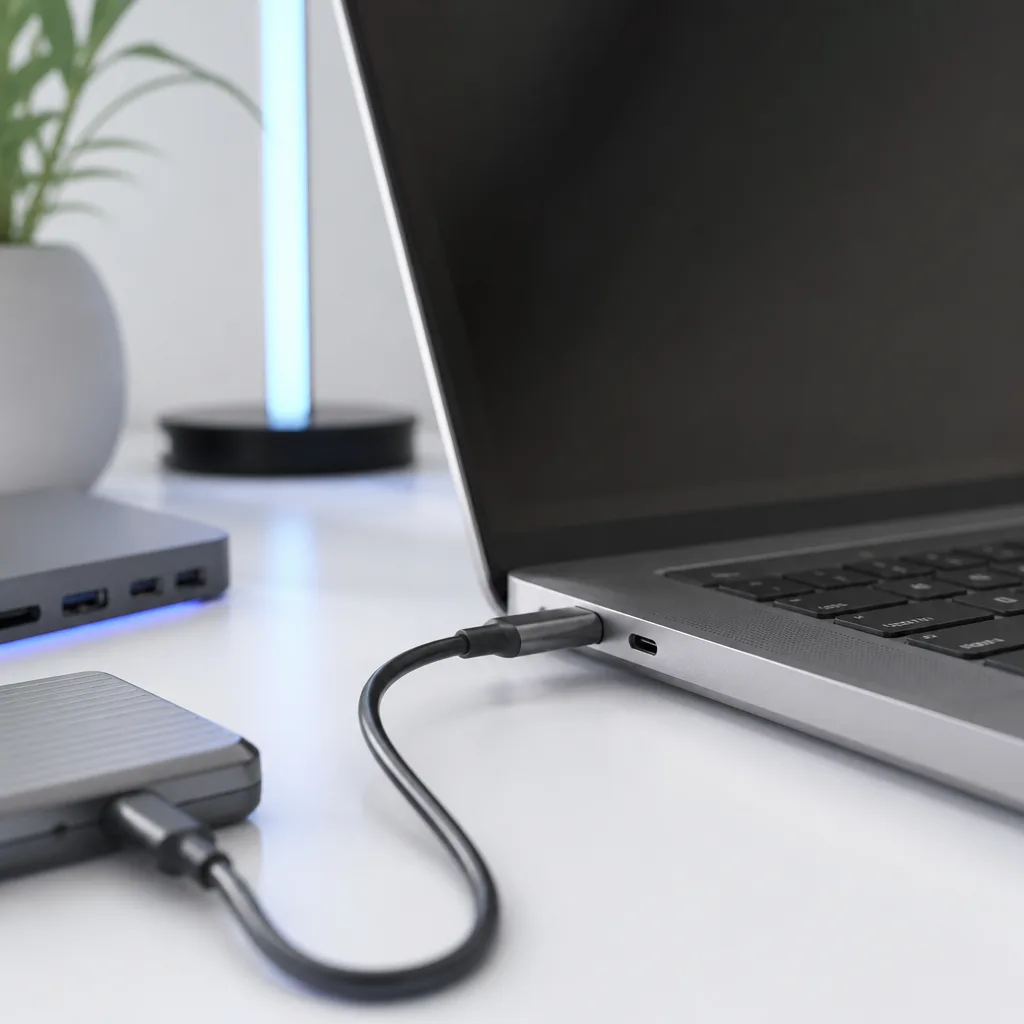
Charging capability grew alongside data speed. Early USB ports could only supply a very small amount of power, enough for simple accessories but nowhere near enough to charge a laptop. The introduction of USB Power Delivery brought a proper negotiation system between chargers and devices, eventually reaching 100 W under USB PD 3.0, and up to 240 W with the Extended Power Range introduced in USB PD 3.1, using higher voltages up to 48 V.
This growth in power capability changed what USB connectors were used for entirely. A connector once reserved for keyboards and printers can now, on a suitably rated laptop, replace a dedicated charging barrel altogether, something that would have seemed unlikely in USB's earliest years.
07
A timeline of key milestones
| Year | Milestone |
|---|---|
| 1996 | USB 1.0 released |
| 1998 | USB 1.1 published and widely adopted |
| 2000 | USB 2.0 introduces High Speed at 480 Mbit/s |
| 2008 | USB 3.0 introduces SuperSpeed at 5 Gbit/s |
| 2013 | USB 3.1 adds a 10 Gbit/s tier |
| 2014 | USB-C connector standardised |
| 2017 | USB 3.2 adds a 20 Gbit/s tier over two lanes |
| 2019 | USB4 introduced, up to 40 Gbit/s |
| 2021 to 2022 | USB PD 3.1 Extended Power Range reaches up to 240 W |
| 2022 | USB4 Version 2.0 announced, up to 80 Gbit/s |
Looking back over three decades, the pattern is consistent: each generation of USB has aimed to move more data, deliver more power, and simplify the range of connectors in use, all while keeping a strong emphasis on backward compatibility with older devices and cables wherever practical.
That last point is worth appreciating on its own. A USB 2.0 keyboard from many years ago will typically still work when plugged into a brand new computer, even though the underlying technology behind that computer's ports has moved on considerably. Few areas of consumer electronics have managed such a long and consistent run of compatibility across so many generations of hardware.
08
Frequently asked questions
Is USB-C the same thing as USB4?
No. USB-C describes the connector's physical shape, while USB4 is a data transfer standard. USB4 always uses the USB-C connector, but not every USB-C port supports USB4, since many use older, slower standards instead.
Why did USB replace older ports like serial and parallel connectors?
USB offered higher speed, easier setup without complex configuration, and the ability to connect many different device types through one common port, which older port types could not match together.
Will USB keep getting faster?
The trend over three decades has consistently been towards higher speeds and higher power, so continued development in this direction is a reasonable expectation, though specific future standards are set by the USB-IF as they are developed.
Are older USB devices still usable today?
Yes, in most cases. USB has generally maintained strong backward compatibility, so older keyboards, mice, and many other devices continue to work when plugged into modern ports, sometimes through a suitable adapter.
Explore
Read next
 USB Standards and Speeds Explained: USB 1.0 to USB4 Version 2.0A complete overview of USB versions and speeds, from USB 1.0 to USB4 Version 2.0, including the confusing renaming of USB 3.x.
 USB Connector Types Explained: Type-A to USB-CA guide to every USB connector type, from Type-A and Micro-USB to USB-C, which devices use which, and how adapters bridge between them.
 How USB-C Charging Works: Power Delivery, PPS and EPR ExplainedA clear explanation of USB-C charging: Power Delivery negotiation, PPS, Extended Power Range, cable current limits, and common reasons for …